In April 2026, Plaid mailed breach notification letters to an undisclosed number of users — informing them that due to a phone-number recycling flaw active since December 2024, their Social Security numbers, driver's license numbers, bank account numbers, and home addresses may have been visible to complete strangers. The vulnerability didn't require a hack; it was a mundane identity-handoff error that persisted undetected for sixteen months. If you'd linked your bank account to a subscription tracker, your full transaction history — salary deposits, medical co-pays, rent — was already sitting behind whatever aggregator that tracker used to pull your data.
Quick answer
The best subscription trackers that work without any bank connection are Bobby (iOS/macOS, 4.7 stars, free with one-time purchase), Chronicle (iOS/Mac, 4.8 stars, free with $11.99 Pro), Subscription Manager — Bills (iOS, 4.5 stars, free with IAPs), TrackMySubs (web, free up to 10 / $10/month), and Subnesio (web, free up to 10 / $29.99/year Pro). All of them accept manual entry only — no aggregator, no Plaid, no read access to your account. If you have 10 or fewer subscriptions and want to start today, the free tiers of any of these will cover you.
Why bank sync undersells itself — and undercounts your subscriptions
The sales pitch is simple: link once, and the app finds everything automatically. The reality is messier. A 2022 C+R Research survey asked 1,000 Americans to estimate their monthly subscription spend, then itemize it. Average estimate: $86. Actual average after itemizing: $219. A $133 gap, and 42% of respondents admitted they'd forgotten at least one subscription they were still being charged for.
Bank sync doesn't close that gap as reliably as it claims, for three structural reasons.
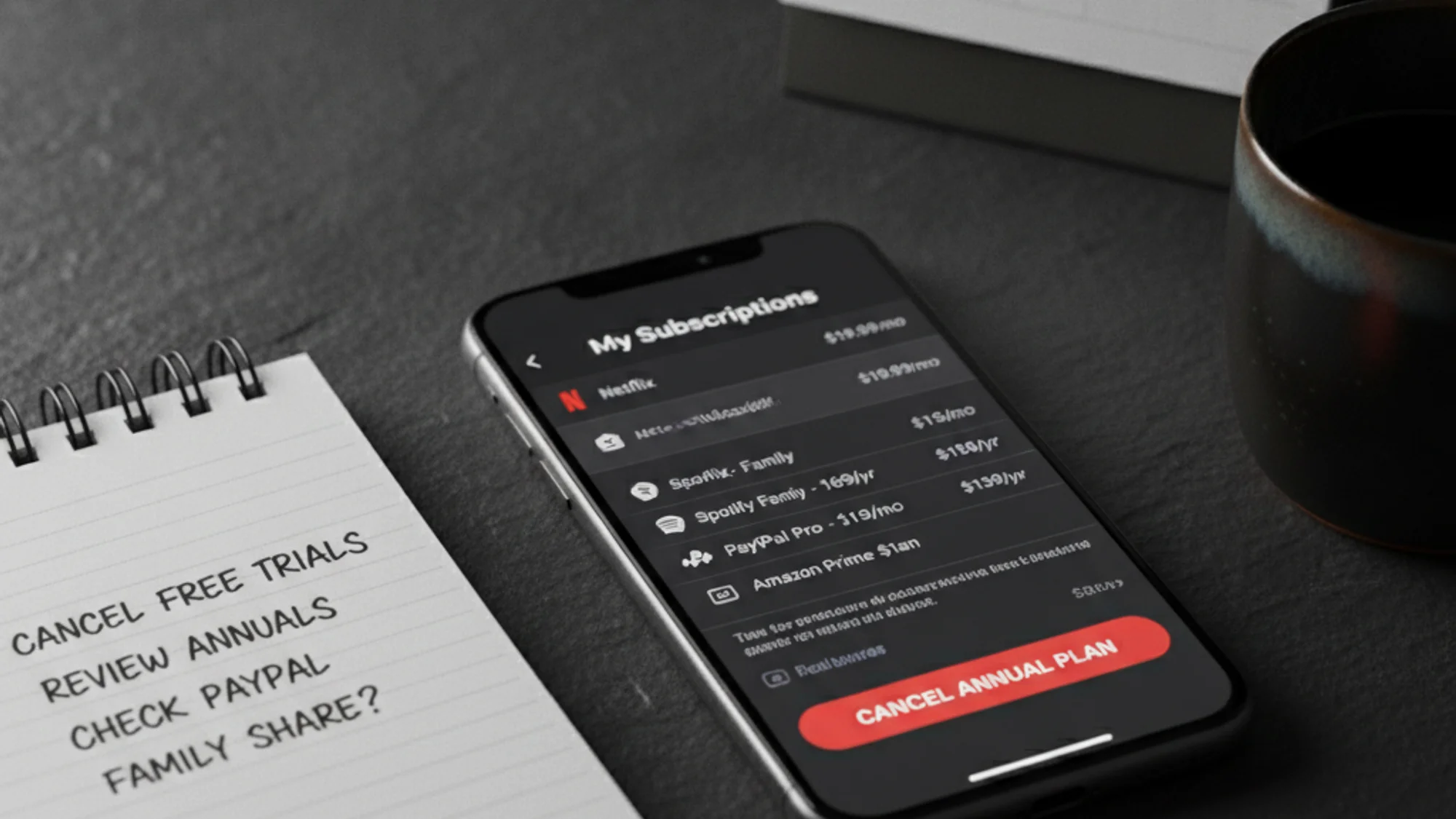
First, PayPal. Subscriptions routed through PayPal show up on bank statements as PP* followed by a truncated merchant name — most banks cap transaction descriptors at 20–25 characters, so the original vendor is unidentifiable from the ledger alone. Spotify through PayPal becomes PP*SPOTIFYUSA, or sometimes just PP*SPOTIFY; smaller services get mangled beyond recognition.
Second, annual plans. These appear on any single monthly statement as a one-time charge. Automated recurring detection requires 12 or more months of continuous transaction history to identify an annual subscription as recurring rather than incidental — if you signed up partway through a sync window, the tracker won't flag it.
Third, family sharing and app store subscriptions. The primary account holder on an Apple Family plan pays for subscriptions used by other family members on entirely separate accounts, none of which appear as recognizable subscription charges on the payer's bank statement. And if someone in your household uninstalls a Google Play app without cancelling the underlying subscription, the charge keeps appearing without any app-store context a tracker could use. As Finexer's engineers note, recurring transaction detection is fundamentally a data quality problem before it's an algorithm problem.
Manual entry sidesteps all three failure modes. You add what you know you pay, in whatever currency it's charged, and the record doesn't degrade when a merchant renames itself, switches payment processors, or moves to annual billing. I cover the broader filing side of this in how to organize subscription receipts for taxes and expense reports — but the starting point is knowing what you're actually paying.
The privacy case isn't just paranoia
Plaid's 2026 breach was the follow-up act. The original was a 2022 class-action settlement — $58 million against Plaid — for collecting banking login credentials and scraping transaction histories for approximately 98 million people without their knowledge, then sharing data with third parties beyond any consent users had given. That's not a theoretical risk; it's a documented outcome.
When you connect your bank to a subscription tracker, your transaction history passes through whatever aggregator that app uses — a third party you didn't independently evaluate, whose own privacy policy you probably didn't read. Your salary, your rent, your medical bills: all in that history. The EPIC/NYU complaint against Rocket Money (December 2022) is worth reading as a case study. The headline finding: Rocket Money publicly stated it would "never sell your data," while its Privacy Policy simultaneously permitted sharing personal information — including email, home address, credit report, and Social Security number — with other Rocket Companies entities and strategic partners for marketing purposes.
The manual-entry apps, compared
Bobby (iOS/macOS only) is the most polished option on Apple hardware — 4.7 stars from 7,900 iOS reviews, local storage with optional iCloud backup, a library of 1,000+ service icons, and a free download with a one-time purchase for full features. The catch is the platform lock: no Android, no web access from a Windows or Linux machine.
Chronicle — Bill Organizer has the highest rating of this group: 4.8 stars from 3,600 ratings, iOS and Mac. Chronicle leans into bill management more than pure subscription tracking — it includes payment history with confirmation numbers, a forecast view for bills due over the next 12 months, and a "save-to-pay" calculator for non-monthly expenses. Free tier plus Chronicle Pro at $11.99. If you want to track subscriptions alongside utilities, insurance, and rent, Chronicle handles the whole picture better than any other option here.
Subscription Manager — Bills (iOS, 4.5 stars, 1,600 ratings) covers multi-currency, home screen widgets, and biometric locking. Free with in-app purchases ranging from $0.99 to $29.99. Less design-forward than Bobby or Chronicle, but functional and well-reviewed — worth considering if the other two feel overbuilt for what you need.
TrackMySubs is a web-based option with a free Starter plan (up to 10 subscriptions) and an Unlimited plan at $10/month or $99.99/year. Supports 160 currencies, CSV import/export, and Zapier integration for teams that want to connect it to broader workflows. No bank connection, no aggregator.
Subnesio is also web-based, free up to 10 subscriptions, with a Pro plan at $29.99/year and a Lifetime option at $59 one-time. Pro adds email reminders, Google/Apple calendar sync via iCal, automatic currency conversion, and price history tracking — and it works on any browser, Android, Windows, Linux, or iOS, which is the practical advantage over Bobby's Apple-only footprint. See what the Pro plan includes at the pricing page.
The honest trade-off
Manual entry has one real cost: the discipline to maintain it. Bank-sync apps catch new subscriptions without any user action — that's a genuine convenience advantage that manual trackers cannot match. If you sign up for three new services in a month and forget to log them, your manual tracker is wrong by exactly three subscriptions.
My take is that this cost is smaller than it looks. The subscriptions you forget to log are typically the same subscriptions you forgot you had — and those are exactly the ones worth reviewing. The $219-vs-$86 gap in the C+R Research data isn't a failure of manual tracking; it's a failure of attention. A manual tracker forces you to confront each subscription when you add it, which is when the review decision is cheapest. These tools ask for nothing except your time and your willingness to stay honest — for most people tracking personal subscriptions, that's the right trade.
P.S. Bobby and Chronicle are iOS-only, so if you're on Android or want cross-platform access, TrackMySubs and Subnesio are your two web-native options.