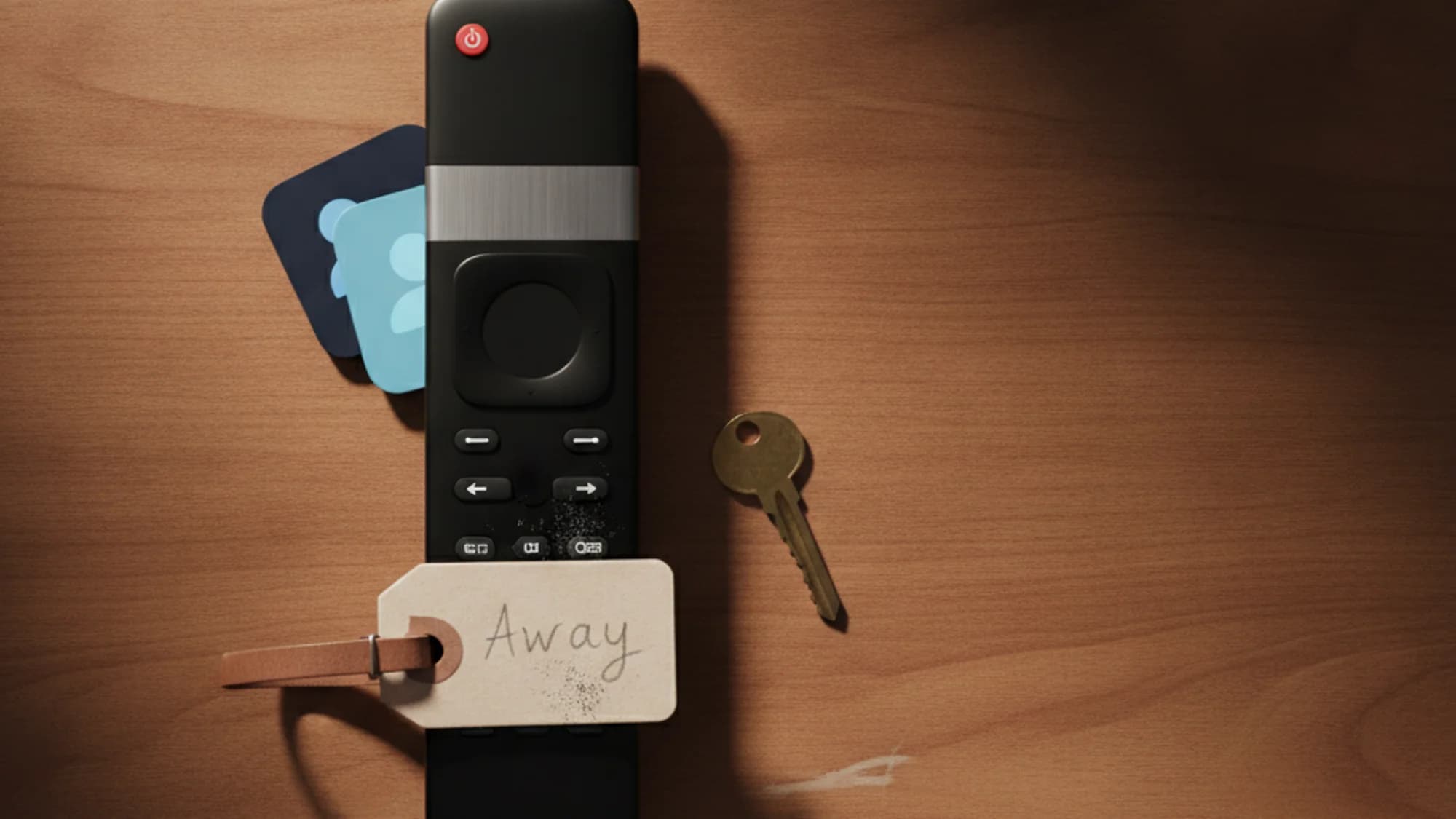
Your kid moved into a dorm, kept streaming your HBO Max password from campus Wi-Fi, and now the app is asking them to confirm they live with you. That prompt isn't random — it's HBO Max checking whether a device still belongs to your household, and it's the first sign you need either the "I'm Traveling" option, a household update, or the $7.99/month Extra Member add-on.
HBO Max accounts are built for the account owner "and the people they live with" — anyone outside that residence is supposed to get their own account or the Extra Member add-on, according to HBO Max's own help center. Here's the short version, since the policy page never quite spells it out: household is decided by a mix of signals, there's a paid path for the one person who's genuinely elsewhere, and losing access doesn't have to mean losing watch history if you plan the move with a profile transfer.
How HBO Max decides who's in your household
HBO Max doesn't ask you to list family members. It infers household from "a mix of account details, profile settings, network data, and device information—such as IP addresses, device IDs, and user activity," per the household policy page — phrasing loose enough to cover whatever signal they add later without updating the fine print. A TV connected to your home network acts as the anchor, and any device that connects to that same network gets folded into the household once it's set.
That's why a laptop that streamed fine at home for two years can suddenly get flagged the moment it moves to a dorm room, a second apartment, or a different city — the network signal changed, not just the person.
For genuine travel, HBO Max offers an "I'm Traveling" option that keeps access working away from home, but you can only select it a limited number of times before it stops being a reliable workaround — and HBO Max never says what that number is, which conveniently means you can't game a limit you can't see. Separately, you can update or move your designated household to a new home network through account settings — also capped at a limited number of uses. Neither option is meant to be used repeatedly; they're built for occasional trips and the rare permanent move, not a standing substitute for the Extra Member add-on.
What the Extra Member add-on actually buys
HBO Max rolled out the Extra Member add-on in the US on April 22–23, 2025, giving account owners a paid way to formalize sharing with someone outside the household instead of relying on password-sharing that the household check would eventually catch.
The add-on costs $7.99/month plus applicable taxes, charged to the account owner, according to HBO Max's Extra Member help page. For that price, the extra person gets:
- their own account and their own password (not a shared login)
- exactly one profile under the owner's subscription
- one stream at a time — no simultaneous viewing on a second device
- the owner's plan tier inherited automatically, so a Premium account's Extra Member streams in 4K too
- the ability to stream from anywhere HBO Max is available, not just one fixed address
Whether that's a good deal depends on what you're measuring it against. Against a second full HBO Max subscription, $7.99 for one profile and one stream is clearly the cheaper move. Against a free shared login that's never been caught, it's a tax you only start paying once the household check catches up with you — and it eventually does. I'd call it fairly priced for what it fixes rather than a bargain: you're not buying a feature, you're buying legal cover for something you were probably already doing.
A few hard limits apply. Only one Extra Member add-on can exist per account — you can't stack several $7.99 slots the way some services allow multiple add-ons. The add-on is only available if you're billed directly through HBOMax.com; subscribers paying via an app store, a bundle (like a Disney+/Hulu/Max package), or a TV or mobile carrier can't buy it. And the Extra Member has to be 18 or older and located in the same country as the account owner.
Setting it up is a short flow: the account owner goes to HBOMax.com/subscription, selects "Get Add-Ons," confirms payment for the Extra Member slot, then sends an email invite — which expires after 7 days if it isn't accepted.
Keeping watch history when a profile has to move out
The part most people miss: if the person moving onto the Extra Member slot already has a profile on your account, you don't have to start their watch history from zero. During setup, the account owner can transfer that existing Adult profile — Continue Watching, My List, the works — straight onto the new Extra Member account. The data moves with the person instead of staying stranded on a profile nobody's using anymore.
This is the same shape of problem Disney+ households run into with their own Extra Member add-on — a roommate or ex-partner needs their own login, and the question is always whether their history survives the split. On HBO Max, the transfer step at setup is the answer; skip it and that history risks being orphaned on a profile tied to an account they no longer have the password for.
If you remove the add-on later, the Extra Member doesn't lose access instantly — they keep streaming through the end of the current billing period. Cancel the base plan entirely, though, and both the owner and the Extra Member lose access once that plan expires. There's no grace period that outlives the underlying subscription — a reminder that the Extra Member's access was never really theirs to control.
Extra Member vs. paying for a second account
$7.99/month for one profile and one stream isn't nothing, so it's worth sizing against the alternative. Netflix's own extra-member slots run $7.99–9.99/month depending on plan — roughly the same range — but HBO Max's version gives the Extra Member a full separate account and password rather than a sub-profile inside the owner's app session. Different mechanics, similar price band.
Either way, a $7.99 add-on plus a base plan plus whatever else is on the household's card is exactly the kind of recurring charge that's easy to lose track of once it's auto-renewing in the background. If you're already juggling a base plan, an add-on, and a handful of other subscriptions, a dashboard like Subnesio that lists every renewal date in one place is a faster way to catch it than scanning bank statements.
Before you add the Extra Member — or decide a profile should transfer instead — check your pricing options against what the household actually needs: one shared plan with a travel exception, a formal Extra Member slot, or a profile transfer onto its own account.
P.S. If the invite email for the Extra Member sits unopened for a week, it just expires — no harm done, but you'll need to send a new one.