"Family address verification is SSSSOOOOO buggy and too stringent," one Spotify Community user titled their post, describing how a relative got "kicked out of the family subscription" after entering the address "slightly differently than the account owner." That thread is not an edge case — it's the standard shape of the complaint, and it's worth understanding exactly what the check does before it happens to you.
Quick answer
- Spotify requires address verification for a Family or Duo member in three cases: when they join, when the plan manager changes address, or when Spotify can't confirm the address.
- The member gets seven days from the verification email to enter the matching address or scan a live QR code; missing the window drops them to the free version.
- A failed check locks the member out of joining any other Family or Duo plan for 12 months — rejoining the same plan is explicitly allowed anytime.
- Playlists, liked songs, and saved albums are tied to the account, not the plan — they survive removal, a failed check, or a plan switch untouched.
- Documented fixes: enter the address exactly as the manager's (no VPN running), or pick the building/street/landmark instead of free-typing when autocomplete fails.
What actually triggers the check
Spotify's own support article spells out three triggers for a Family plan member: "when they join," "when the manager changes address," or "if we can't confirm their address." The Duo plan article uses nearly identical wording. In every case, Spotify emails the member, who then has seven days from that email to enter their full address and confirm it matches the plan manager's on file. Spotify's support article on address verification is explicit that this isn't a location check: "We don't track your location. We only check your address to verify."
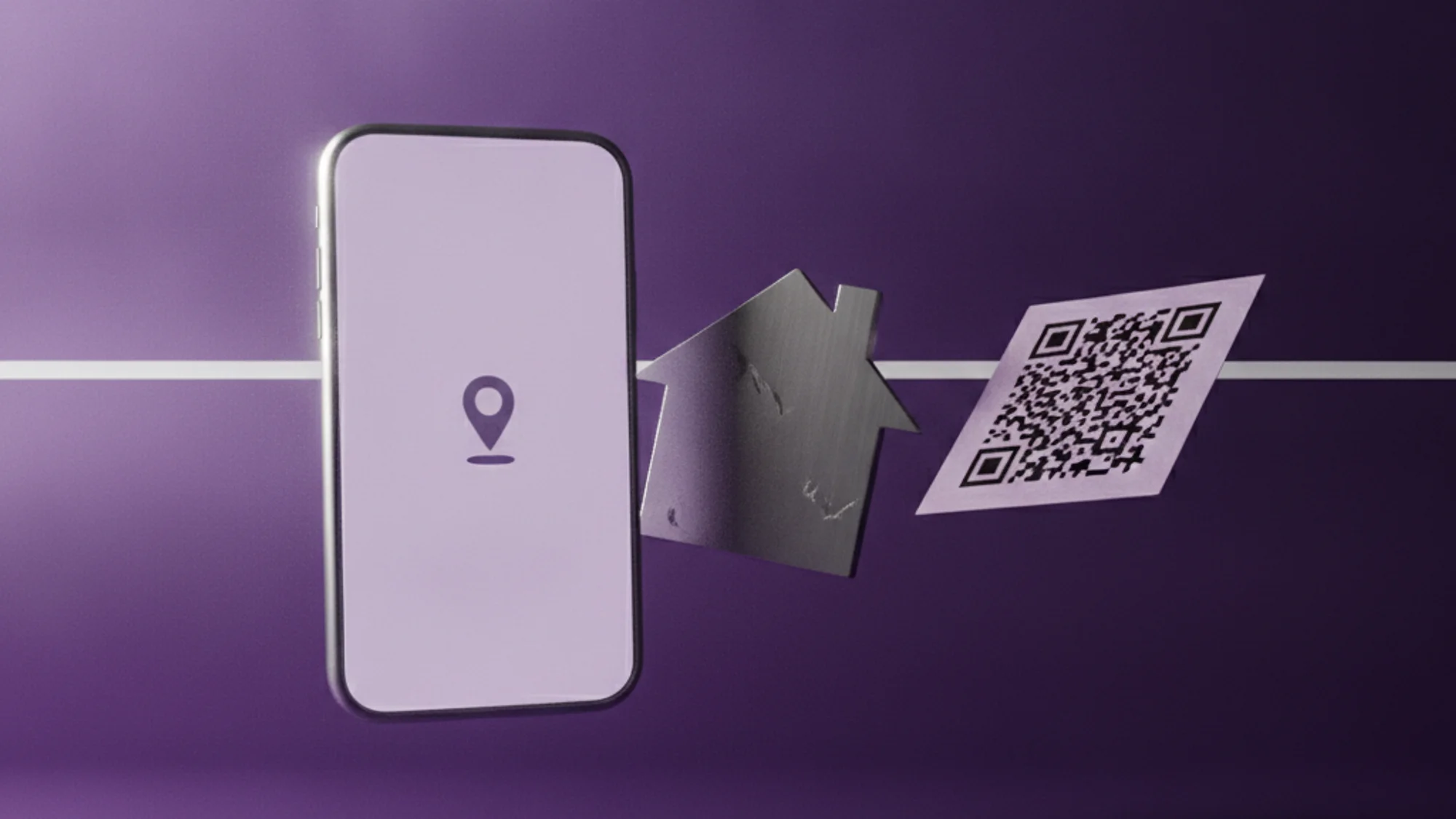
There's a second, less-discussed path: an in-person QR code. The plan manager opens it by tapping their profile picture → Your Premium → Manage, and the member scans it with their phone camera. Both people need to be in the same place at the same time, it only works in the mobile app, and the code refreshes every few seconds — but it runs on the same seven-day clock and the same penalty for missing it.
Why "same address" still fails
The matching logic is stricter than it looks. Spotify's Community FAQ notes the system accounts for periods, commas, and spacing, so two entries of the same physical address can mismatch purely on formatting. A VPN running during the check can also throw it off. And there's a country rule buried in Spotify's troubleshooting article for join failures: "you can only select an address in the same country where your payment method was issued" — which quietly breaks verification for anyone paying with a card from a different country than the one they're living in. If autocomplete can't find the address at all, Spotify's own fix is to type it in full and hit "Find," or pick the building, street, or a nearby public landmark instead of guessing at someone else's listed address.
Spotify's support copy frames this as a simple data-entry step. The Community forums tell a different story — threads titled "Your addresses didn't match" and "Address verification does not work for my family members" describe the exact same address being rejected, apartment numbers getting dropped, and country mismatches persisting even after a profile update. The 12-month lockout for a missed or failed check reads, in the support docs, like a routine anti-abuse safeguard. In the threads, it reads like a disproportionate penalty for a UI quirk, with no documented self-service appeal — users report the only fix that's worked is contacting Spotify support directly and asking. I don't buy the "simple data-entry step" framing once you've read a dozen of these threads back to back: a stray comma and an actual address lie are not the same category of problem, and Spotify's own copy never admits the two can look identical from the member's side of the screen.
What actually happens if it fails
If the seven days run out without a successful verification, "the member loses access to the plan and switches to the free version." On top of that, the same member "can't join any other Family or Duo plan for 12 months from the date verification failed" — though they're explicitly allowed to rejoin the plan they were just removed from. That distinction gets lost in panic: rejoining the same plan is fine; starting on someone else's is blocked for a year.
The legal basis for all of this sits in Spotify's Premium Family Terms, which state the primary and subsidiary account holders "must be family members residing at the same address," and that Spotify can "ask for re-verification of your home address" at any point to confirm eligibility — with the right to "terminate or suspend access... immediately and at any time" if it isn't met. That clause didn't always exist in this form. Spotify piloted actual GPS-based location checks for Family plans back in 2018, a method TechCrunch reported was "a poor means of verification" given how many real families live or work apart — divorced parents, kids at college, people who travel. Spotify killed that test after the backlash and quietly replaced it, about a year later, with the address-matching system still in force today. Technically, that's progress on privacy grounds — comparing a billing address to a profile field beats pinging someone's phone for coordinates — but I wouldn't call it an obvious drop in frustration, judging by how many people are still describing the same panic in the forums eight years on.
Fixing it without losing anything
The one piece of good news: none of this touches your library. Playlists, liked songs, saved albums, and followed artists are tied to your individual account and profile, not to the plan — they survive being removed from a Family or Duo plan, a failed verification, or a switch to a different plan entirely. What you lose when an account reverts to Spotify Free is strictly the Premium-only layer: ad-free listening and offline downloads, the latter of which actually disappears from your device since it's a Premium feature, not a library item.
If you're the one who got removed, re-verifying or starting a fresh Individual subscription both keep your account intact — see how to cancel Spotify Premium without losing playlists for the billing-channel specifics of making that switch cleanly. And if the real question is whether to go back to a shared plan at all, the math in Spotify Duo vs Family is worth checking before you rejoin anything. Either way, a subscription that just switched tiers or price is exactly the kind of change that's easy to lose track of a few months later — which is the gap a running list like Subnesio exists to close.
P.S. If you're the plan manager and need to hand the role to someone else in the household, there's no transfer button — the documented workaround is to cancel the plan and have the new manager start a fresh one.