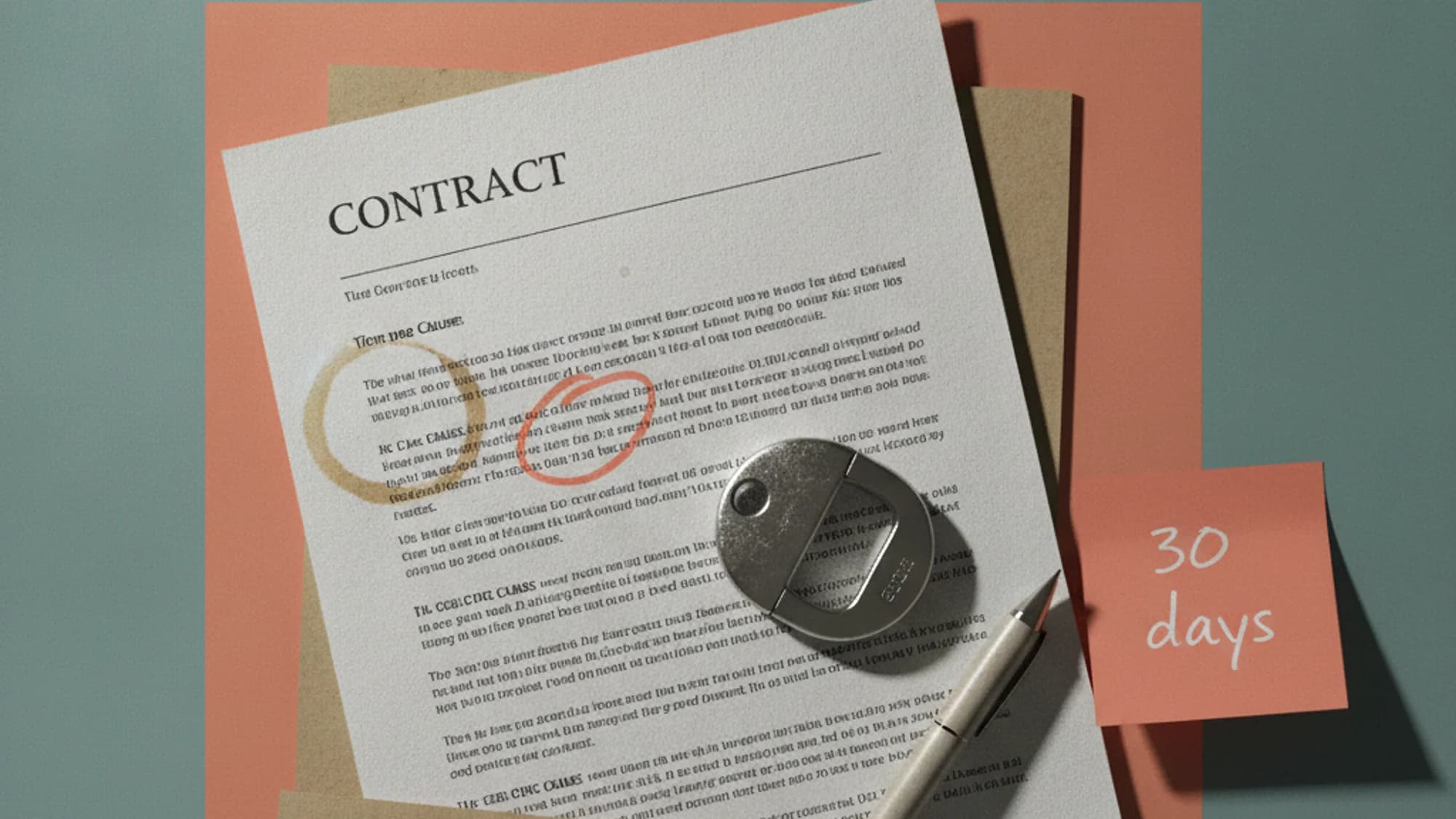
A Premiere Pro subscriber posted their cancellation invoice on the Adobe Community forum: $115.39, plus tax, for a single-app plan they'd already been paying for a full year. The plan had just quietly auto-renewed into a new 12-month term, and cancelling triggered the fee anyway.
Quick answer
- Check your plan type first. "Annual, billed monthly" carries an early termination fee (ETF). "Annual, prepaid" and "Monthly, no annual commitment" do not.
- The fee formula: 50% of the remaining balance owed on the current 12-month contract.
- The free windows: within 14 days of initial purchase (full refund), or after your 12th monthly payment posts but before the plan auto-renews.
- The workaround: switching to a cheaper plan instead of cancelling outright avoids the fee — but starts a new 12-month commitment on that plan.
- Where to cancel: account.adobe.com → Plans and payment → Manage plan → Cancel your plan.
Why the fee exists at all
Adobe sells Creative Cloud under three billing structures, and the names alone don't tell you which one carries a penalty: "Annual, billed monthly," "Annual, prepaid," and "Monthly, no annual commitment." Only the first one is a trap, buried behind blandly neutral naming. Adobe's terms spell it out plainly enough once you get there — cancelling after the first 14 days of an "Annual, billed monthly" plan triggers a cancellation fee equal to 50% of the remaining balance owed on the 12-month contract.
The distinction that catches people out: "Annual, billed monthly" and "Monthly, no annual commitment" both charge your card every month. They look identical on a bank statement, which is exactly the problem. But the former is a single 12-month contractual obligation split into installments, not twelve independent one-month subscriptions. Cancel a true month-to-month plan after 14 days and you just lose that month's payment — no fee, service continues to the end of the billing period. Cancel the annual-paid-monthly plan at month 6, and Adobe is owed half of what's left on months 7 through 12.
Adobe's stated justification: the annual price is already discounted against true month-to-month pricing, and the fee recoups part of that discount if you leave early — defensible for the discount, shakier for burying the recoupment clause where nobody reads it. The Photography plan (Photoshop, Lightroom, Lightroom Classic, 1TB storage) lists at $19.99/month on annual-billed-monthly terms; All Apps runs $69.99/month, often discounted to $34.99 for the first three months. Those promo rates are exactly the kind of "significant discount" the ETF exists to protect.
The fee formula, with real numbers
The math is 50% of whatever you'd still owe if you rode out the full 12 months. A single-app plan (Photoshop alone, $22.99/month) cancelled with five months left on the contract would owe roughly $114.95 in remaining payments — half of that lands close to the $115.39 the forum poster above was actually charged. Not an abstract clause; a real invoice line.
A separate thread shows the flip side: a user whose plan had renewed less than 24 hours earlier asked for a fee-free cancellation, since almost no service had been used on the new term. The volunteer's advice wasn't "you're covered by a refund window" — it was to contact Adobe support and ask for a courtesy exception. That's a real gap: the documented 14-day window covers the initial purchase only — nothing says it resets on renewal. Treat any post-renewal refund as a favor, not a right.
The switch-plan workaround
Several subscription-management guides describe a way around the fee that Adobe doesn't advertise as official policy: instead of cancelling the annual-paid-monthly plan outright, switch to a cheaper plan within the same annual-paid-monthly structure — say, dropping from All Apps to a single app, or to the Photography plan. Because the customer relationship continues rather than ending, no cancellation event fires, and no ETF applies — triggered by paperwork, not by whether you meant to leave.
The catch: this doesn't end your obligation, it restarts it — a new 12-month commitment on the cheaper plan. Leaving Adobe entirely within a few months makes that smaller plan's price for a year you didn't want cost more than just eating the fee once. This only makes sense if you were keeping some Adobe subscription anyway and want to downsize, not as a general escape hatch. Auditing every recurring charge rather than just this one? Our guide to negotiating a subscription before it renews is a useful next stop.
The two windows where it's genuinely free
Two moments make leaving an annual-paid-monthly plan free. The first is the 14-day window from initial purchase — a full refund, no questions about remaining contract value. The second is the narrow stretch after your 12th monthly payment posts but before renewal — cancel there and you've completed the contract, nothing left owed. Forum guidance puts it directly: cancel after the last payment of the term, specifically to dodge the auto-renewal that resets the clock on a fresh 12 months.
Outside those two windows, there's no clean exit — you're either still inside the discount you agreed to, or outside one you haven't finished paying for. If you bought Creative Cloud through a reseller or an app store like Apple's or Google's, none of Adobe's own refund terms apply — that third party's policy governs instead, worth checking before you assume Adobe's rules cover your case.
Cancelling, step by step
Sign in at account.adobe.com, open "Plans and payment," select "Manage plan" next to the subscription you want to end, then choose "Cancel your plan" and confirm a reason. After cancellation, paid app access ends at the close of the current billing period — the Adobe account itself stays open with free features, and cloud storage drops to 5GB. If you reconsider before that billing period closes, reactivating restores apps, services, and storage without a new signup.
This isn't a hypothetical complaint about fine print. In June 2024, the DOJ and FTC sued Adobe, alleging it enrolled people in the annual-paid-monthly plan without adequately disclosing the ETF and made cancelling deliberately difficult — dropped calls, repeated transfers, and buried disclosures hidden behind hover tooltips. Adobe denied wrongdoing but agreed to a $150 million settlement, court-approved on April 10, 2026: $75 million as a civil penalty and $75 million in credits to affected customers. Going forward, Adobe is required to disclose any ETF and how it's calculated before you enroll, and to send a reminder before a trial longer than seven days rolls into a paid plan carrying one. Disclose the fee, disclose the math, warn before conversion — the checkout page Adobe could have shipped from the start.
Tracking exactly which billing structure each of your subscriptions sits on — annual-prepaid, annual-paid-monthly, or true monthly — is the kind of detail that's easy to lose once you have more than two or three services running. Subnesio keeps that billing-cycle detail visible per subscription, so a renewal date doesn't surface as a surprise 50%-of-remaining-balance invoice.
P.S. If Adobe's cancellation flow feels slower than it should, that's not a coincidence you're imagining — it's the exact behavior the FTC's 2024 complaint was built around.