Quick answer
Cancelling Spotify Premium does not delete your playlists, liked songs, or listening history. You lose offline downloads and Premium features after the paid period ends. If you pay through Apple, Google Play, a mobile carrier, or another partner, cancel through that billing source.
What happens when you cancel Spotify Premium
After Spotify's third US price increase in four years pushed the Individual plan from $11.99 to $12.99/month in January 2026, "how to cancel Spotify" spiked in search traffic. The fear holding most people back isn't the money — it's the playlists. Years of Liked Songs, carefully built queues, followed artists — and the assumption that cancelling works like account deletion. It doesn't.
How to check who bills you for Spotify
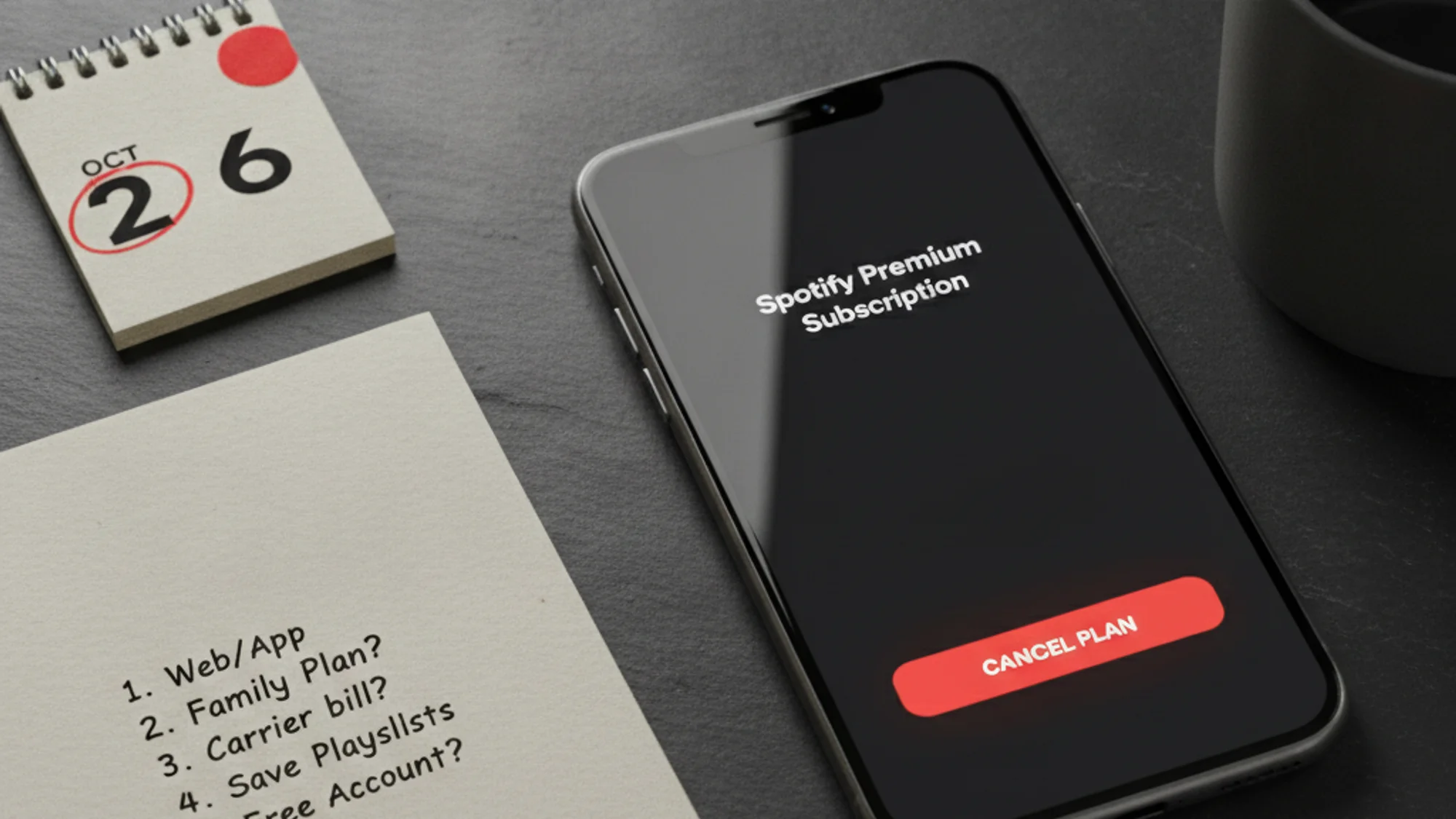
Cancelling in the wrong place is the most common Spotify cancellation failure. Before you tap anything, open your bank or card statement and find the Spotify charge:
- If the descriptor is
SpotifyorSPOTIFY USA, you are on direct Spotify billing — cancel on the website. - If the descriptor is
APPLE.COM/BILLor similar, Apple owns the billing — cancel in iOS Settings. - If the charge appears on a Google account, Play Store owns it — cancel in the Play Store.
- If Spotify shows up on your phone or TV bill, the carrier or partner owns it — cancel through them.
When in doubt, open spotify.com/account → Subscription. Spotify itself tells you who the billing partner is.
What actually gets deleted (and what doesn't)
Offline downloads are the only real casualty. When Premium lapses, the app can no longer authenticate the cached files against Spotify's licensing layer, and they're wiped — permanently, not just hidden. If you were one of the subscribers streaming in lossless (launched September 2025, included at no extra charge on Premium), that quality tier disappears too: free mobile caps at roughly 160 kbit/s, down from 24-bit FLAC.
Everything else — playlists, Liked Songs, followed artists, saved albums, followed podcasts — stays intact on the free tier. Spotify's own support page is explicit: "Changing subscription plans won't cause you to lose any of your playlists or saved music." Previously downloaded playlists remain visible in your library; they just require a connection to stream. I've seen people avoid cancelling for two years over a fear that evaporates the moment you actually read this.
How to cancel Spotify Premium on web
Log in at spotify.com → click your profile → Account → under your current plan, hit "Manage your plan" → Cancel subscription. Your Premium runs to the next billing date, then the account switches to free — no partial-month refund, but you keep what you paid for.
If the Cancel button doesn't appear or does nothing — a documented issue as recently as February 2026 — open an incognito window or navigate directly to spotify.com/account/subscription. Community reports confirm this usually unsticks it.
How to cancel Spotify Premium on iPhone
If you subscribed through the App Store, the cancellation button on Spotify's website does nothing here. Go to iPhone Settings → your Apple ID name → Subscriptions → Spotify → Cancel Subscription. Cancelling on Spotify.com while Apple is the billing party leaves the subscription running and keeps charging you — the most common case of "I already cancelled but I got charged."
How to cancel Spotify Premium on Android
Google Play Store → profile icon → Payments & subscriptions → Subscriptions → Spotify → Cancel subscription. Same logic: Spotify's website has no authority over Play Store billing.
How to cancel through carrier billing
Your Spotify account page under the Payment section will show a link to the partner's cancellation contact. Use that path; Spotify's website will not surface a cancel button for carrier billing either. Common bundled carriers: Verizon, AT&T, T-Mobile, Optus, and various European mobile providers.
One sharp edge for free-trial cancellers: if you cancel during a zero-priced trial, your account flips to free immediately — not at the end of the trial period. Spotify also notes those trials cannot be reactivated once cancelled. "I'll just cancel and restart" is not a plan that works here.
What happens to Spotify Family or Duo
If you're the plan manager on a Family subscription, cancelling removes Premium from all six household members at the next billing date — with no automated in-app notice to them. Spotify recommends notifying members first, and I'd add: do it more than a day in advance, because someone's mid-road-trip playlist going offline is a specific kind of domestic incident. Individual members can leave the Family plan on their own without affecting anyone else's status, but the manager cancelling ends it for everyone.
The plan manager role can't be transferred — if a different household member needs to take over, the existing plan has to be cancelled and a new one created under their account.
How to recover a deleted Spotify playlist
If you deleted a playlist before cancelling — or at any point in the past 90 days — you can recover it via the web player only: account settings → Recover Playlists → Restore. Collaborative playlists can't be recovered through this path. The 90-day window is the part people miss; after that, the playlist is gone for good.
This is worth bookmarking if you're tracking multiple subscriptions and doing a general cleanup: check the library before you walk out, not after.
What free tier looks like now
Spotify's September 2025 update removed the shuffle-only restriction for free mobile users — you can now pick and play specific tracks on mobile, which used to be a Premium-only feature. There's an undisclosed daily cap on on-demand plays and a 6-skip-per-hour limit, but the old "free mobile is basically broken" experience is gone.
What free doesn't have: offline downloads, ad-free listening, unlimited skips, queue management, AI Playlist, or lossless quality. If those are what you were actually paying for, the downgrade will feel significant. If you mostly listened at home over WiFi with ads muted in another tab, free is workable — and the gap is noticeably smaller than it was before the September 2025 update.
If subscription costs are the real driver here, the wider audit at average monthly subscription spending and how to set a hard cap on recurring spend usually reveals more obvious cuts than cancelling the one service you actually use. See also the Netflix cancellation guide and the broader how to cancel a subscription you forgot about.
P.S. The most common "I got charged after cancelling" case is Apple billing — the subscription kept running because the cancellation went to Spotify's website instead of iOS Settings. Check the billing source before assuming Spotify took money it wasn't owed.
If keeping track of who bills you for each subscription is the part that fails, Subnesio surfaces the billing source per row — see Subnesio pricing.