W styczniu zeszłego roku otworzyłeś szablon w Notion, wpisałeś osiem subskrypcji — i więcej do niego nie zajrzałeś. Brzmi znajomo?
Krótka odpowiedź
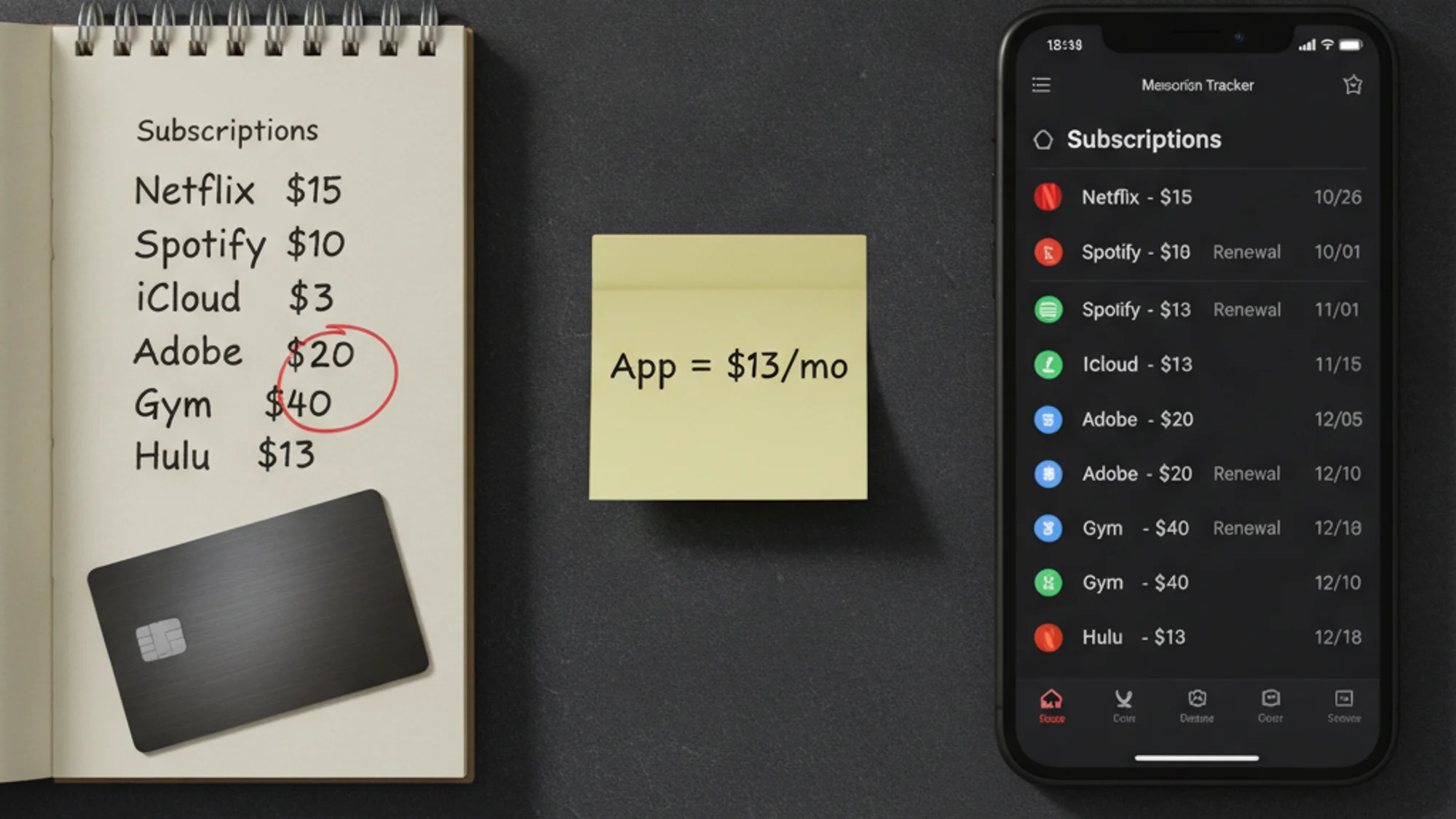
Arkusz lub szablon w Notion w zupełności wystarczy, jeśli masz pięć do ośmiu subskrypcji, nie potrzebujesz powiadomień na telefon i jesteś w stanie zaktualizować listę raz w miesiącu. Dedykowana aplikacja ma sens wtedy, gdy zapominasz o aktualizowaniu, płacisz w obcych walutach albo liczba subskrypcji przekroczyła dziesięć. A jeśli już sięgasz po aplikację — wybierz taką z jednorazową opłatą. Płacenie 13 dolarów miesięcznie za śledzenie subskrypcji to osobna ironia.
Dlaczego rzeczywiste wydatki tak bardzo rozjeżdżają się z szacunkami
Badanie C+R Research z 2022 roku (1 000 respondentów) pokazało: przeciętny Amerykanin myślał, że wydaje 86 dolarów miesięcznie na subskrypcje, a faktycznie wydawał 219 dolarów — błąd 2,5-krotny. 74% uczestników przyznało, że cykliczne opłaty łatwo umykają uwadze, a 42% — że nadal płaci za coś, z czego już nie korzysta.
Przyczyna nie leży w narzędziu. Leży w tym, że się nie patrzy. Właściwe pytanie brzmi: które narzędzie sprawia, że częściej zaglądasz do listy?
Gdzie arkusz naprawdę wygrywa
Google Sheets jest bezpłatny, działa offline, otwiera się na każdym urządzeniu i udostępnia partnerowi w dwa kliknięcia. Szablon Notion nic nie kosztuje i nie wymaga żadnej dodatkowej konfiguracji — jeśli masz już konto (a pewnie masz: w sierpniu 2024 Notion ogłosił sto milionów użytkowników).
Wielowalutowość to prawdziwa zaleta arkuszy. Google Sheets przez Apps Script może pobierać aktualne kursy walut z zewnętrznych API, co daje technicznie sprawnym użytkownikom automatyczne przeliczanie walut za darmo — za funkcję, którą niektóre aplikacje pakują w droższy abonament.
Jest też argument, który uważam za trafniejszy, niż się wydaje: ręczne wpisywanie to funkcja, nie wada. Kiedy sam wpisujesz nową opłatę, automatycznie na nią patrzysz. Automatyczne wykrywanie z banku podaje gotową listę — bez tego momentu uważności. I właśnie dlatego listę przestaje się czytać.
Jeśli masz mało subskrypcji — powiedzmy pięć lub mniej — i regularnie sprawdzasz wyciąg bankowy, arkusz nie jest kompromisem. To po prostu właściwe narzędzie.
Gdzie arkusz cicho zawodzi
Dwie słabości nakładają się na siebie.
Po pierwsze, powiadomienia na telefon. Przypomnienia w Notion działają, ale z zastrzeżeniem: uruchamiają się tylko wtedy, gdy aplikacja jest zainstalowana, powiadomienia mobilne są włączone — i aplikacja nie jest akurat otwarta. Żeby alert pojawił się na ekranie blokady, potrzebujesz zewnętrznego automatyzatora, jak Make czy Zapier. Jak na coś, co powinno być proste, to spore zamieszanie.
Po drugie, rozjazd danych. Gdy tylko szablon zaczyna być ciężarem, wpisy przestają się pojawiać. Arkusz pokazuje wyłącznie to, co sam wpisałeś. Aplikacje połączone z bankiem, jak Rocket Money, automatycznie wykrywają subskrypcje z historii transakcji — w tym darmowe okresy próbne, o których zdążyłeś zapomnieć. Jeśli coś jest podpięte pod kartę, której dawno nie sprawdzałeś, arkusz tego nie zobaczy.
Właśnie dlatego ważny jest rytm pierwszego dnia miesiąca — każde narzędzie, arkusz czy aplikacja, potrzebuje regularnego nawyku, żeby lista była aktualna.
Ironia płatnych trackerów
Niektóre dedykowane aplikacje do śledzenia subskrypcji same są subskrypcjami. Rocket Money bierze 6–14 dolarów miesięcznie za wersję premium. Copilot — 13 dolarów miesięcznie lub 95 dolarów rocznie. YNAB — 14,99 dolara miesięcznie. To nie są wąskie trackery subskrypcji, lecz pełne narzędzia budżetowe, gdzie śledzenie subskrypcji to jedna z wielu funkcji. Ironia i tak pozostaje: dodajesz kolejną cykliczną opłatę, żeby kontrolować cykliczne opłaty.
Jeśli chcesz aplikacji bez tego paradoksu — są opcje z jednorazową płatnością. Bobby (iOS) kosztuje mniej więcej 1,99–3 dolary jako jednorazowy zakup, bez abonamentu. Tilla (Android) — 2,99 dolara na zawsze. Obie wymagają ręcznego wpisywania i nie potrzebują dostępu do konta bankowego — duchem bliższe szablonowi Notion, ale z porządnymi powiadomieniami push. Więcej o aplikacjach bez łączenia z bankiem znajdziesz w tym porównaniu.
Prosta zasada wyboru
| Sytuacja | Co wybrać |
|---|---|
| Do 5 subskrypcji, stabilna lista | Arkusz lub szablon Notion |
| 6–10 subskrypcji, dobra samodyscyplina | Jedno i drugie działa — arkusz jest bezpłatny |
| 10+ subskrypcji, kilka walut | Dedykowana aplikacja |
| Zapominasz aktualizować listę | Aplikacja z powiadomieniami push |
| Chcesz automatyczne wykrywanie z banku | Rocket Money, Copilot |
| Prywatność, bez dostępu do banku | Bobby lub Tilla (jednorazowa opłata) |
Z badania C+R Research wynika, że zaledwie 1 na 10 konsumentów korzysta z jakiegokolwiek trackera subskrypcji. Pozostałe 90% nie przegrywa z braku funkcji — po prostu nie wyrabia nawyku. Idealny szablon, którego nikt nie otwiera, przegrywa ze zwykłą aplikacją, którą ktoś sprawdza raz w tygodniu.
Co dedykowana aplikacja realnie wnosi
Zalety są węższe, niż sugeruje marketing:
- Powiadomienia push na ekran blokady bez żadnej automatyzacji
- Przeliczanie walut, gdy subskrypcje są w różnych krajach
- Automatyczne wykrywanie subskrypcji, o których zapomniałeś (tylko aplikacje bankowe)
- Wspólny widok, jeśli zarządzasz subskrypcjami razem z kimś w gospodarstwie domowym
Na stronie z cenami widać, ile kosztuje Subnesio — warto zestawić to z czasem poświęcanym na prowadzenie arkusza, gdy lista przekracza dziesięć pozycji.
Jeśli lista jest krótka i naprawdę ją prowadzisz — zostań przy arkuszu. Najlepszy tracker to ten, który otwierasz.
P.S. Jeśli zacząłeś od szablonu w Notion i po pół roku odkryłeś, że połowa wpisów jest nieaktualna — to sygnał do zmiany, nie powód, żeby żałować, że najpierw wypróbowałeś darmową opcję.