In September 2025, the FTC announced a $2.5 billion settlement against Amazon over Prime's enrollment and cancellation practices. The key finding: Amazon's internal process — nicknamed the "Iliad Flow" — required customers to reaffirm their desire to cancel three separate times before cancellation actually took effect. An estimated 35 million consumers were affected. Clicking "End Membership" did not, in fact, end the membership.
The settlement forced a redesign. But "simpler" doesn't mean instant — and there are still plenty of ways to think you've canceled when you haven't, or to panic-cancel when you didn't need to.
Quick answer
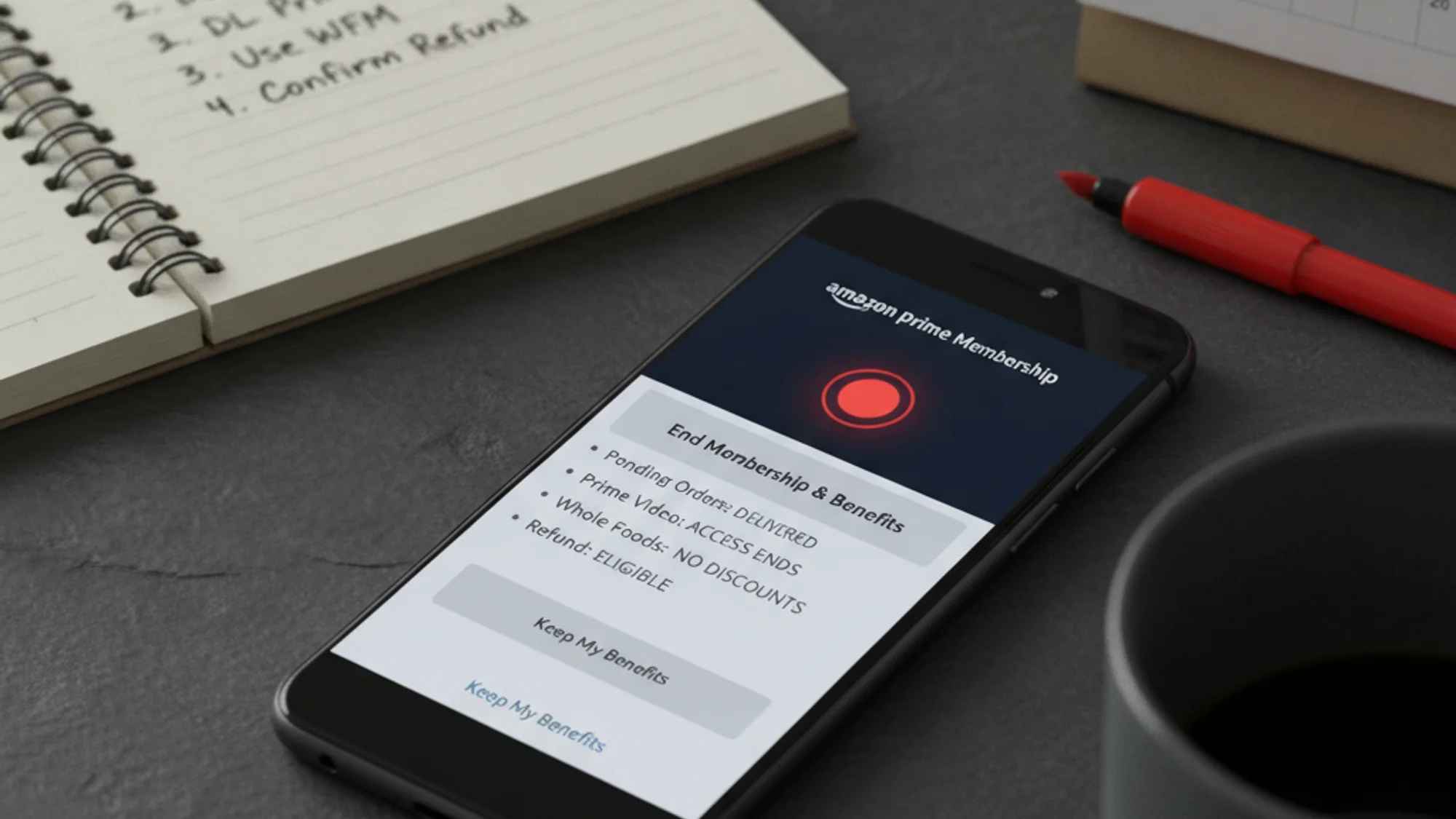
Yes, it's safe to cancel Prime with orders in transit. Any order placed while your Prime membership was active keeps its original shipping method — including free Prime shipping — even if Prime lapses before the item ships. Downloaded Prime Video titles stop working immediately on cancellation; purchased content is permanent. Whole Foods discounts disappear at the end of your current billing cycle.
Step one: find out who actually bills you
Before you touch anything on amazon.com, check your billing source. If you signed up through the Apple App Store, canceling on Amazon's website does nothing — the subscription lives in Apple's ecosystem and will keep billing you regardless. Same logic applies to Google Play.
- Apple billing: iPhone/iPad Settings → tap your Apple ID → Subscriptions → Amazon Prime → Cancel Subscription
- Google Play billing: Play Store → Profile icon → Payments & subscriptions → Subscriptions → Amazon Prime → Cancel
- Amazon.com billing: proceed with the steps below
If you're unsure which applies, check your credit card or bank statement — the charge description will show either "AMAZON" or "APPLE.COM/BILL" or a Google Play reference.
The cancellation flow (web, post-FTC)
On desktop, the path is: Account & Lists → Prime Membership → Manage Membership → Update, cancel and more → End Membership and Benefits. From there, Amazon walks you through benefit reminder screens — scroll past them, click "Continue to cancel," then confirm with either "End on [next billing date]" or "End Now."
That last screen is the one that actually completes the cancellation. If you stop at any earlier screen, your membership remains active. Given that Amazon spent years engineering confusion into this flow, it's worth clicking all the way through and checking your account status afterward.
On mobile, the path runs through the Amazon Shopping app (not the Prime Video app — that one has no cancellation option): tap Profile → Your Account → Account Settings → Manage Prime Membership → then follow the same confirmation sequence.
What you actually get back (or don't)
The refund picture is messier than Amazon makes it look:
Monthly plan, benefits used: no refund. Your access continues until the billing period ends, then stops.
Monthly or annual plan, no benefits used since the last charge: full refund, returned to the original payment method within 3–5 business days. Amazon's own terms are explicit: "If your credit card was charged for the renewal, but you have not used any Prime benefits since the charge went through, you are eligible for a full refund."
New signup, within 3 business days, no benefits used: full refund. If you did use benefits in that window, Amazon may withhold the value of what you consumed.
Annual plan ($139/year), partial usage: this is where it gets murky. A prorated refund is possible but not guaranteed — Amazon handles it case by case. If you're in the first half of your annual term and have a reasonable cancellation reason, call (888) 280-4331 directly rather than relying on the online flow, which gives you less room to negotiate. I'd argue the phone call is always worth the 10 minutes — the automated flow is designed to move you toward "End on [date]" rather than an actual refund.
One thing the FTC settlement did not change: the distinction between "End on [date]" (access through the end of the billing period, no immediate refund) and "End Now" (immediate termination, potential refund depending on usage) still exists in the flow. Read the confirmation screen carefully.
Your pending orders are safe
Orders placed while Prime was active retain the shipping method captured at checkout — including free Prime shipping — even if Prime is canceled before the item ships. Amazon locks in the shipping terms at the time of purchase, not at the time of fulfillment. This is the question I see most often, and the answer is straightforwardly yes.
If you want to cancel an order (not just the membership), that's a separate process: Your Orders → find the order → View or edit order → select a cancellation reason → Request cancellation. Orders already in transit can't be canceled — you'd need to refuse delivery or use the Online Returns Center.
Keeping track of which subscriptions and services are actually billing you — especially if you've been a Prime member for years and accumulated add-ons — is one area where a tool like Subnesio saves real time. Subscriptions have a way of quietly multiplying.
Prime Video: what goes and what stays
Downloaded subscription titles — the ones included with Prime that you queued up for a flight — stop playing immediately when your membership is canceled. They aren't stored as permanent copies; they're licensed streams that require an active subscription to decrypt.
Titles you purchased outright (not included-with-Prime content, but things you actually paid for) remain permanently in your account and are accessible regardless of Prime status.
Two things to cancel separately if they apply to you:
-
Prime Video Ultra (launched April 2026, $4.99/month or $45.99/year): this is an add-on for ad-free streaming, more concurrent streams, and extended offline downloads — it sits on top of Prime membership. Canceling Prime does not cancel Prime Video Ultra. Two separate subscriptions, two separate cancellations.
-
Prime Video channel subscriptions (Paramount+, HBO, Discovery+ bundled through Prime Video): these continue billing independently after Prime ends and must be canceled individually.
If you've been on Prime long enough to accumulate channel subscriptions without noticing, this is the moment to audit them. The pattern is worth understanding more broadly — subscription bundles tend to obscure the real per-service cost until you're looking at a cancellation screen.
Whole Foods and Amazon Photos
Whole Foods: The 10% off sale items, Tuesday rotisserie chicken pricing, Friday sushi deals, and no-delivery-fee grocery orders — all of these are tied to active Prime status. They disappear at the end of your billing cycle, not immediately on cancellation. The Amazon Prime Visa's 5% cash back at Whole Foods is a card benefit tied to your Chase agreement, not Prime membership itself — check your card terms for the exact impact.
Amazon Photos: Prime members get unlimited full-resolution photo storage. Non-Prime accounts get 5 GB total. If you've stored more than 5 GB, you can still view and download existing files after cancellation, but you can't upload new ones — and Amazon will start deleting files (most recent first) after 180 days of being over-quota. If your Prime Photos library is substantial, download it before canceling, not after.
Family Vault sharing also ends on cancellation — photos shared with invited family members become inaccessible to them.
Pause instead of cancel
If the reason you're considering cancellation is cost or a break in Prime use — not a permanent exit — the pause option is worth knowing. Monthly and annual members can "Pause on renewal," which suspends billing and benefits after the current paid period. The membership stays paused for up to 365 days, then auto-cancels if not resumed.
Pausing preserves your Prime Video watchlist, Music playlists, household member associations, and Photos data. Outright cancellation deletes all of that. Given how buried the pause option is (it sits inside the same cancellation flow), a lot of people never realize it exists until they've already committed to canceling.
If you're doing a broader audit of what you're paying for — not just Prime but the full stack of recurring charges — Subnesio's pricing page shows what subscription tracking actually looks like in practice.
The actual hard part of canceling Prime isn't the button sequence — it's the edges: the separate Ultra subscription, the channel add-ons, the Photos storage, the annual vs. monthly refund math. Get those right and the rest takes ten minutes.