Quick answer
Do not cancel Apple One before checking iCloud storage, Family Sharing, and which Apple services you actually use. Downgrading can save money, but only if you choose replacement plans for iCloud, Music, TV+, or other services before the bundle ends.
Before you cancel Apple One: check these 3 things
- iCloud storage usage. Settings → your name → iCloud → Manage Account Storage. If you are above the storage ceiling of the tier you are dropping to, photos and backups will silently stop syncing.
- Family Sharing. Family members lose access to the bundled services on the next billing date if you are the organiser. Tell them before, not after.
- Which services you actually open. If you only use Music and TV+, Apple One Premier is costing you money, not saving it. Standalone is cheaper.
Apple charged me $37.95 again last Tuesday — third month in a row, same single line on the statement, and it took me a minute to remember what was actually inside it. That's $455.40 a year for Apple One Premier, and last August Apple TV+ jumped 30% to $12.99/month without me noticing, because the hike got absorbed into that one Apple One row. Before you cancel, run the math honestly — depending on which of the six services you actually open, Premier either saves you around $32 a month or quietly costs you an extra $12.
Apple One pricing: when the bundle saves money
Apple One bundles up to six services for one price. Whether that's a deal depends entirely on how many of those six you open in a given month. Standalone US pricing as of May 2026:
| Apple One tier | Bundle price | Standalone equivalent (full use) | Saves if used fully | Costs more if you only use Music + TV+ |
|---|---|---|---|---|
| Individual ($19.95) | $19.95/mo | $31.96/mo (Music $10.99 + TV+ $12.99 + Arcade $6.99 + 50GB $0.99) | $12.01/mo | Saves $4.03/mo vs $23.98 standalone |
| Family ($25.95) | $25.95/mo | $39.96/mo (Music Family $16.99 + TV+ $12.99 + Arcade $6.99 + 200GB $2.99) | $14.01/mo | Saves $4.03/mo vs $29.98 standalone |
| Premier ($37.95) | $37.95/mo | $69.94/mo (Music Family + TV+ + Arcade + News+ $12.99 + Fitness+ $9.99 + 2TB $9.99) | $31.99/mo | Loses $2–$12/mo vs Family + à-la-carte iCloud+ |
The number Apple keeps repeating — "up to $35/month in savings" — assumes you actively use all six services. Skip News+ and Fitness+ on Premier and the bundle costs $2.01/month more than Family plus standalone 2TB iCloud+ ($25.95 + $9.99 = $35.94). Drop below the 200GB ceiling on storage too and Premier is suddenly $12/month more expensive than Family alone.
Apple One pricing hasn't moved since the October 2023 hike (Individual $16.95 → $19.95, Family $22.95 → $25.95, Premier $32.95 → $37.95). The August 2025 TV+ increase got eaten by the bundle, which is why the press currently calls Apple One "more valuable" — a framing that is only honest for households that genuinely open all six apps every month.
Cancel, downgrade, or keep: decision tree
Three honest questions, three different answers:
- You use 4+ of the bundled services every month. Keep your current tier. Standalone math won't help you here — close the tab, move on.
- You use 2–3 services regularly. Downgrade rather than cancel. Premier → Family if you've stopped reading News+ and never open Fitness+. Family → Individual if no one else in the household uses Music or TV+. Read the iCloud trap below before you tap, though.
- You really only use one service. Cancel Apple One and resubscribe to that single thing standalone. The cleanest example I keep pointing friends at: a student on Apple Music Student ($5.99/mo) gets Apple TV+ included free — one $5.99 line replaces $23.98 of standalone Music + TV+ and undercuts Apple One Individual by roughly $14/month.
The point of the table above is to turn this into a real branch you can pick, not a hypothetical. Apple bills Apple One as a single line, which is exactly why the per-service cost goes invisible. For the wider argument on why bundles drift away from their value over time, see the hidden cost of bundled subscriptions.
The iCloud storage trap
When you move from Premier (2TB) to Family (200GB), Apple does not delete your iCloud data — that part is fine. The trap is the silent breakage above the new limit: new photos and videos stop uploading to iCloud Photos, iCloud Drive stops syncing new files, and device backups quietly stop running. Apple Community threads show people noticing this only after weeks of failed backups. An 800GB photo library plus a Tuesday downgrade equals an iPhone that has not backed up in a month — and you find out the day you drop the phone.
Audit your iCloud usage in Settings before downgrading. If you are close to the new ceiling, keep an à-la-carte iCloud+ plan running alongside the lower Apple One tier.
What happens to Family Sharing
If you are the organiser and you cancel Apple One while keeping Family Sharing on, the bundled services stop for every member on the next billing date — they do not get individual warnings. Turn off Family Sharing entirely and all members are removed at once, immediately losing access to shared subscriptions and purchases. Anything a member paid for using the shared card stays theirs; subscription access does not. If your family group includes children under 13, you have to transfer them to another Family Sharing group before disbanding — Apple will not let you remove them otherwise.
How to cancel Apple One on iPhone, iPad, or Mac
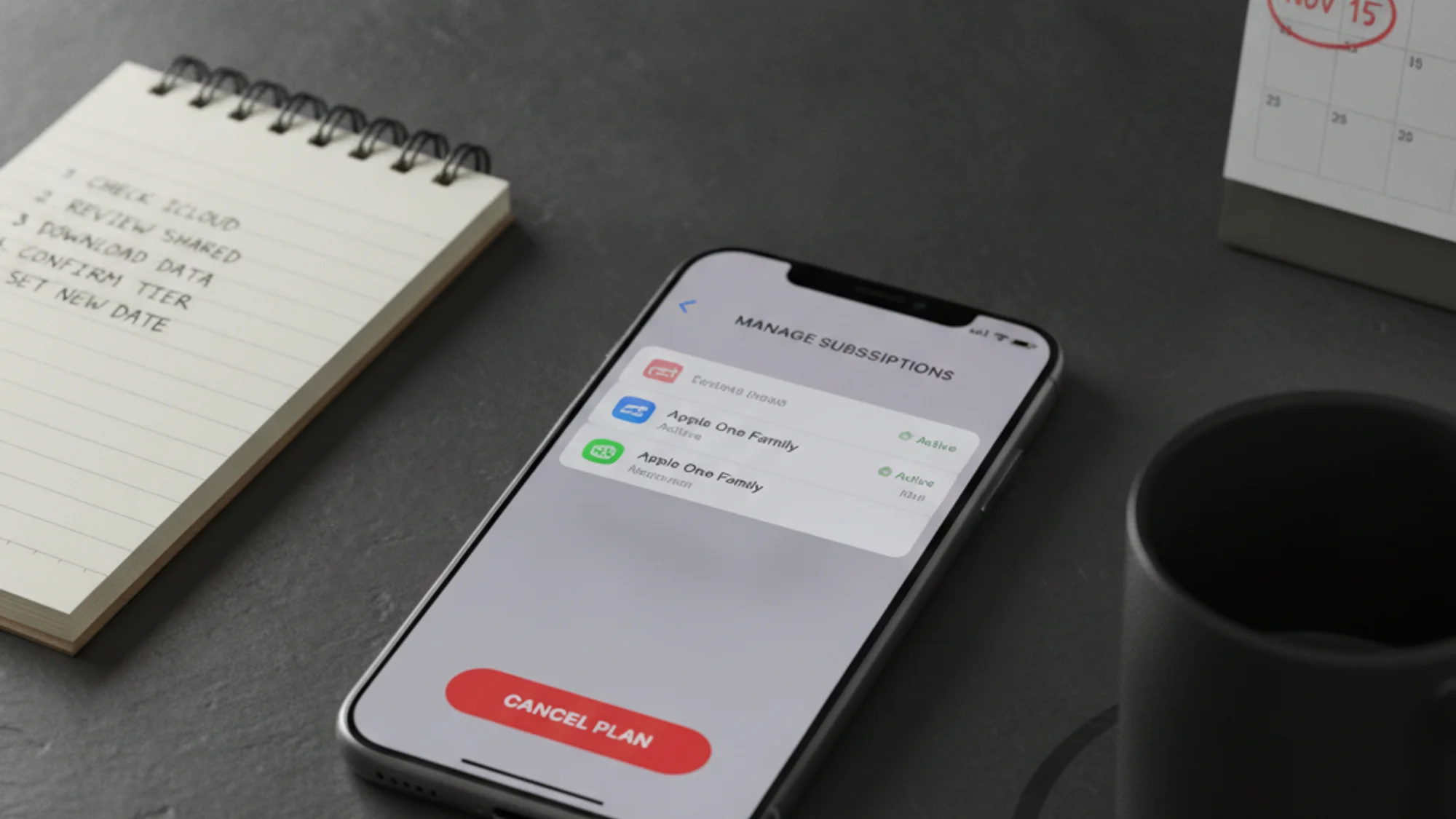
- iPhone or iPad. Settings → tap your name → Subscriptions → tap Apple One → Cancel Subscription, or pick a lower tier to downgrade.
- Mac. System Settings → tap your name → Media & Purchases → Manage (next to Subscriptions) → Apple One → Cancel Subscription.
- Web. Sign in at
apps.apple.com/account/subscriptionsand manage it there.
If the Cancel button is missing or you see an expiration message in red, the subscription is already cancelled. After cancellation, access continues until the end of the current billing period — Apple does not pro-rate refunds for the unused tail. You can file a request at reportaproblem.apple.com, but each case is reviewed individually and approval is not guaranteed.
How to switch to individual subscriptions
After cancellation, re-subscribe to only the services you actually use:
- Apple Music — $10.99 individual / $16.99 family / $5.99 student (includes Apple TV+ free).
- Apple TV+ — $12.99/month.
- iCloud+ — $0.99 (50GB) / $2.99 (200GB) / $9.99 (2TB) / $29.99 (6TB) / $59.99 (12TB).
- Apple Arcade — $6.99/month.
- News+ — $12.99/month.
- Fitness+ — $9.99/month.
For broader cancellation context, see how to cancel subscriptions you forgot about and the wider subscription tracker comparison. For setting a monthly ceiling so the next bundle does not creep back in, how to set a hard cap on recurring spend.
Open the bill before you open the app.
If you keep losing track of which Apple-billed subscription does what, Subnesio surfaces every line item with its renewal date — see Subnesio pricing.