Quick answer
Netflix must be cancelled where you are billed. If you subscribed through Apple, Amazon, Roku, Google Play, a mobile carrier, or a TV provider, deleting the Netflix app or cancelling on Netflix.com may not stop billing.
First: find out who bills you for Netflix
You cancel on Netflix.com, get the confirmation screen, feel relieved — and the charge shows up again next month. This isn't a bug. If your Netflix account is billed through Roku, Amazon Fire TV, or a legacy Apple account, cancelling at netflix.com does nothing: the money goes to a different company, and that company keeps billing you until you cancel there. I've seen this mistake a surprisingly large number of times for something Netflix doesn't explain at all clearly. It is, without question, the most common Netflix cancellation failure mode.
Before you go anywhere, figure out who's actually billing you.
Open your bank or card statement and look at the exact merchant name on the Netflix charge. Direct Netflix billing appears as "NETFLIX.COM." Roku billing shows a Roku descriptor. Amazon charges appear under Amazon's billing entity. Apple (legacy accounts only — Netflix ended App Store billing in early 2024) appears as an Apple charge.
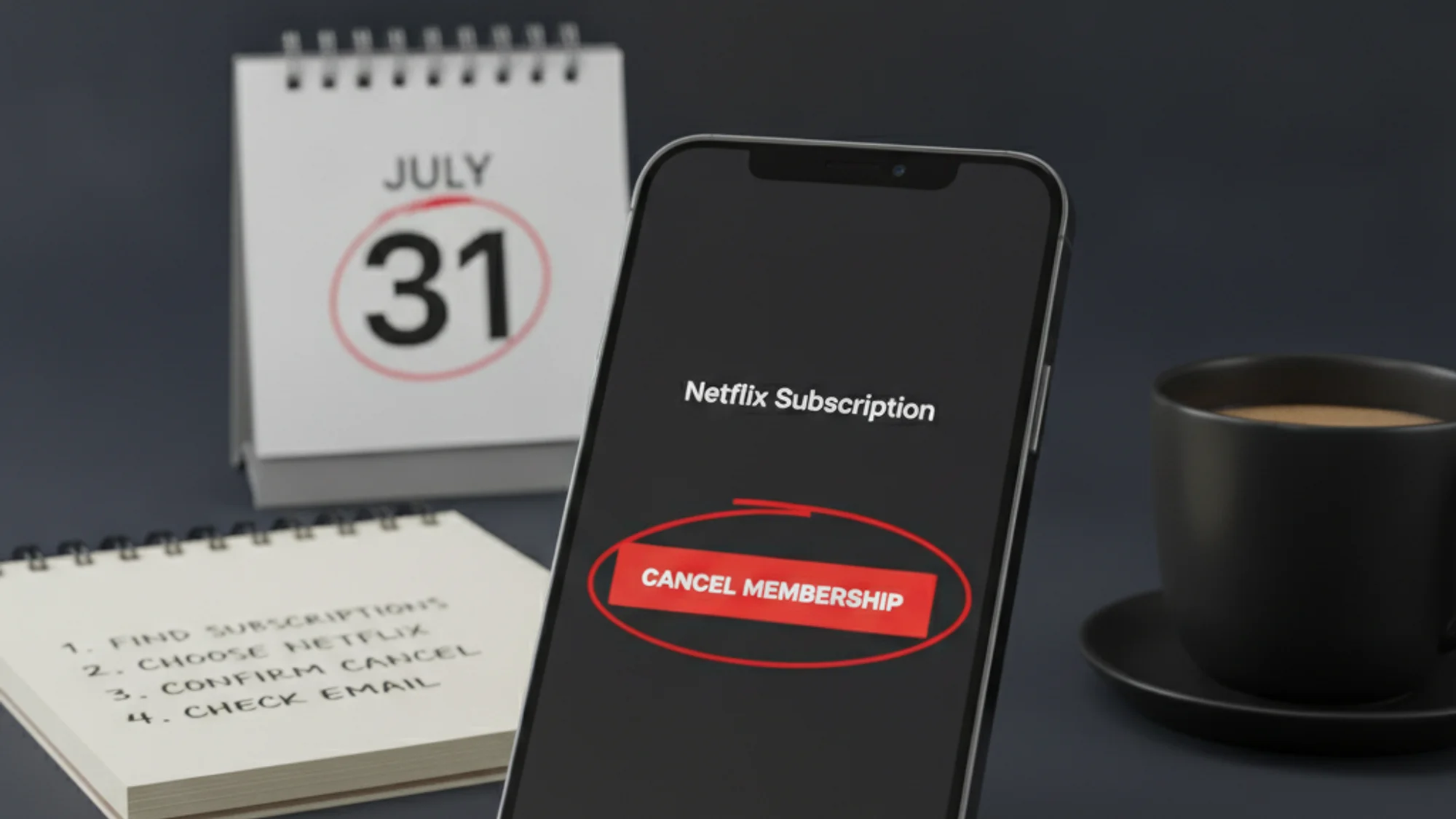
If you're not sure, sign into your Netflix account and go to Account → Membership & Billing. If you see a "Cancel Membership" button, Netflix is billing you directly. If you see a message like "Your Netflix billing is managed by [Roku / Amazon / Apple]," follow the platform path — not the Netflix one.
How to cancel Netflix on the website
Go to netflix.com/cancelplan, sign in, click Cancel Membership, then click Finish Cancellation. Netflix may show you a cancellation-reason survey before it finalises. You'll receive a confirmation email — if you don't get one within a few minutes, the cancellation may not have gone through. That email is your evidence if a charge shows up anyway; save it.
How to cancel Netflix on iPhone or iPad
The Netflix iOS app does not have a cancellation option built in — tapping "Account" opens a browser window to the same netflix.com flow. If your account is billed directly by Netflix, use the website steps above. If it is a legacy App Store-billed account (rare after early 2024): Settings → tap your name → Subscriptions → tap Netflix → Cancel Subscription.
How to cancel Netflix on Android
The Netflix Android app routes you to the same netflix.com Account page in your browser. Use the website steps above. If billing runs through Google Play instead, open Play Store → Profile → Payments & subscriptions → Subscriptions → Netflix → Cancel subscription.
How to cancel Netflix through Roku
Press Home on your Roku remote → highlight the Netflix channel → press the star (*) button → select Manage Subscription → select Cancel Subscription and confirm. Alternatively, sign in at my.roku.com → Subscriptions → Netflix → "Turn off auto-renew."
How to cancel Netflix through Amazon
Go to amazon.com/yourmembershipsandsubscriptions → find Netflix → click Turn off auto-renewal. On-device: Settings → Account & Profile Settings → Your Account → Amazon Account → Manage Subscriptions.
How to cancel through a mobile or TV provider
Carriers (Verizon, T-Mobile, Optus, Vodafone in some markets) and TV providers occasionally bundle Netflix into the phone or cable bill. If "Netflix.com" does not appear as a separate charge on your bank statement but does appear on the carrier or TV invoice, cancellation has to happen through that provider's billing portal, not Netflix. Search the provider's site for "manage Netflix" or call support directly.
Smart TVs: The Netflix app on Samsung, LG, Android TV, and virtually every other smart TV has no in-app cancellation option. The TV itself is a dead end — use a phone or computer browser instead.
Troubleshooting: NSES-500 error
In May 2026, following Netflix's March price increase, a significant number of users hit error code NSES-500 when attempting to cancel — a server error that blocked the cancellation page entirely. If you encounter this error, the confirmed workaround is contacting Netflix customer support directly — phone or chat — and requesting cancellation through a representative.
What happens after cancellation
Netflix preserves your viewing history, ratings, and recommendations for 24 months after your account closes — so if you restart within two years, everything is there. Netflix's own language is direct: "When you restart, all of your Profiles, My List, game saves, and payment information will still be there — it's like you never canceled."
One exception worth knowing: downloads become inaccessible once your billing period ends, even if they're still physically on the device. You can't play them after the subscription lapses.
There are no prorated refunds. You keep access until the end of your current billing cycle and aren't charged again unless you restart. Netflix sends a cancellation confirmation email, and the account closes on whatever date the cycle ends.
If you're cancelling to stop a household member from restarting the account, Netflix recommends changing your account password and checking "Sign out of all devices" after cancelling.
Pause vs cancel
If you're going somewhere for a month and won't use Netflix — or you're just between seasons of anything you care about — the pause option is worth knowing about. You can pause for one month at a time, up to a total of three months. Billing stops during the pause; your account auto-resumes with billing when the pause expires. You can browse and add titles to your watchlist while paused, but you can't stream or download.
The pause option appears during the cancellation flow itself, as an alternative before you confirm "Finish Cancellation" — so you'll see it naturally if you go through the cancel steps.
Pause is not available on the Basic plan, and is also unavailable for Direct Debit, gift cards, and some partner payment methods.
The most common mistake isn't forgetting to cancel — it's cancelling in the wrong place. Check who's billing you first; after that, it's three clicks. For broader context, see how to cancel subscriptions you forgot about, the Spotify cancellation guide, and how to set a hard cap on recurring spend.
If you keep tripping over which platform actually bills each streaming subscription, Subnesio surfaces the billing source per row — see Subnesio pricing.