Quick answer: how to cancel a forgotten subscription
- Search your bank and card statements for recurring charges.
- Identify the merchant behind the billing descriptor.
- Check App Store, Google Play, PayPal, and email receipts.
- Cancel through the original billing source.
- Save confirmation and monitor the next billing cycle.
Most people have at least one of these at any given moment: a small recurring charge that shows up on the card statement and they can't quite place. Eight dollars from "DGITAL CO." Twelve dollars from "ROCKETPAY*PREMIUM." A trial from a year ago that quietly converted to paid and has been ticking along ever since.
The annoying part isn't the money. It's the friction — figuring out what the charge is, finding the page where you can cancel it, and confirming it's actually stopped. Here's the whole sequence in one place.
Why this happens to almost everyone
Three structural reasons unknown subscriptions accumulate:
- Free trials that quietly convert. You sign up for a 7-day trial of an AI tool, forget to set a reminder, the trial converts, and a year later you've paid $240 for something you used twice.
- Bundled services. "Apple One" looks like one charge, but inside there are four subscriptions you may not use evenly. Same with family plans, Microsoft 365 add-ons, Adobe bundles.
- Merchant names you don't recognise. The legal entity that bills your card is often not the brand name on the product. "Netflix" appears on statements as "NETFLIX.COM"; "Headspace" can appear as "HSMOBILE INC." Statements rarely make the connection obvious.
Step 1: Find the recurring charge
Open the last 2–3 months of your bank or card statement (3 months is the right window because some subscriptions bill quarterly). Read top to bottom. For every line, ask:
- Is this a one-off purchase (a coffee, a flight) or something that's likely to repeat?
- Have I seen this same amount from the same merchant before?
- Does the descriptor look like a service rather than a store?
Flag anything that hits at least one of those three. Don't try to identify them yet — just make a list.
Step 2: Identify the merchant behind the charge
For each flagged charge, here's the fastest path to figuring out what it actually is:
- Google the exact descriptor string. Copy "DGITAL CO 877-555-0100" verbatim into Google. Half the time the first result is a forum post: "what is this charge from DGITAL CO" — answered.
- Check the phone number on the statement. Card processors append a customer service number to most subscription charges. Calling it gets you the merchant directly.
- Look at the amount. $9.99 is almost always a streaming or productivity tier. $19.99–$29.99 is usually an AI or design tool. $59–$99 is typically annual hosting, accounting, or a niche professional tool.
- Cross-reference your email. Search your inbox for "receipt", "subscription", or "renewal" near the date of the charge. The matching email gives you both the merchant and the cancellation link.
If after all of that you still can't identify the charge, treat it as fraud — call the issuing bank and dispute it.
Step 3: Find where the subscription is managed
The single most common cancellation mistake is cancelling in the wrong place. The merchant might be Netflix, but if you subscribed through Apple, Apple owns the billing — cancelling on Netflix.com does nothing.
Check, in this order:
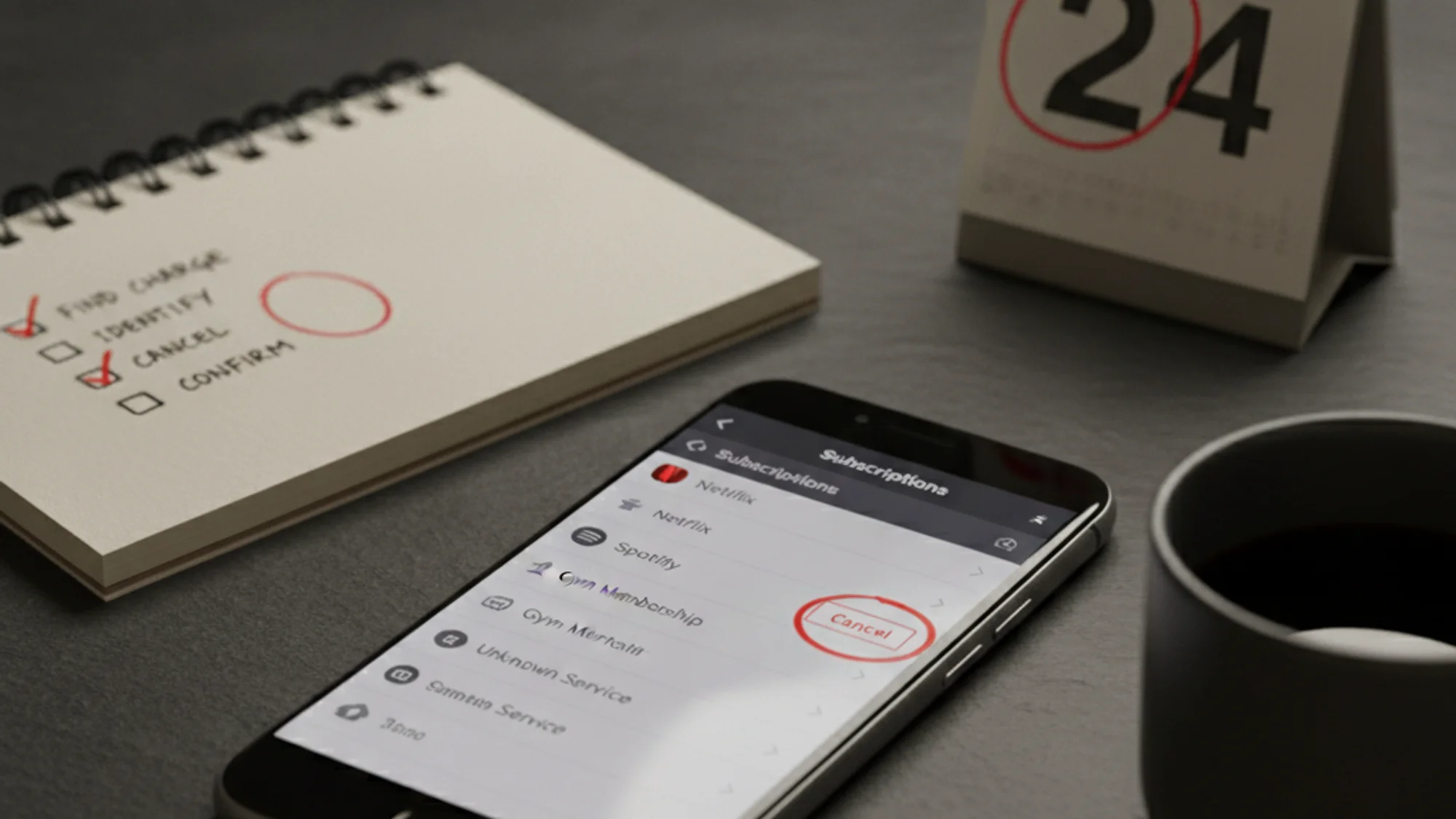
- Apple billing. Settings → Apple ID → Subscriptions on iOS, or System Settings → Apple ID → Media & Purchases → Manage on Mac.
- Google Play billing. Play Store → Profile → Payments & subscriptions → Subscriptions.
- PayPal automatic payments. PayPal → Settings → Payments → Manage automatic payments.
- Card-on-file with the merchant. The merchant's own website (Subscriptions / Billing / Plan).
- Carrier or TV-provider billing. Phone bill or cable bundle — login to that account.
When in doubt, search your email for receipts from the trial date: the sender's domain tells you who actually charged you.
Step 4: Cancel the subscription
Once you know what the charge is and who bills you, cancellation varies widely by merchant. In order of speed:
In-product cancellation
For most modern SaaS — Subscriptions → Plan → Cancel. Two clicks, done. Direct card-billing merchants are usually friction-free; you'll get a confirmation email.
Hidden under "Settings"
Some merchants bury cancellation three menus deep. Try in order: Account → Subscription → Plan → Cancel. If you can't find a button labelled "Cancel" anywhere in their UI, search merchant name cancel subscription — the merchant's own help docs usually link the exact page.
App Store / Google Play subscriptions
If you bought it through the App Store, cancellation only works inside Settings → Apple ID → Subscriptions on iOS, or Play Store → Profile → Payments & subscriptions on Android. Cancelling on the merchant's website often does nothing because they don't control the billing — Apple/Google do.
Email-only cancellation
Some older services require you to email support. Send a clear, dated request: "Please cancel my subscription effective today. My account email is X." Keep the reply for your records.
Phone-only cancellation (rare, but exists)
Newspapers, gyms, and some legacy services. Annoying but legal in many countries. Have your account number ready, and write down the time and name of the rep who confirms.
Step 5: Confirm it is actually cancelled
A "cancel" button click is not the end. Confirm cancellation actually took effect:
- Look for a confirmation email. If you don't get one within 5 minutes, the cancellation may not have processed. Repeat the flow.
- Take a screenshot of the cancellation confirmation page. This is your proof if the charge comes back.
- Block the merchant at the card level if you suspect they'll keep charging. Most banks let you block a specific merchant from your card. Don't rely on this as your primary cancellation, but it's a backstop.
If you cancelled within a free trial or the first 30 days of a paid subscription, also ask for a refund. Many merchants will grant it without argument; a polite "I cancelled within the trial window, can you refund the most recent charge?" works more often than not.
What to do if you cannot find the account
Sometimes the trial signup happened years ago with an email you no longer use, the merchant has been rebranded, or the descriptor is so generic that no search result connects it to anything.
If you genuinely cannot identify the charge after Step 2:
- Call the customer service number on the statement. Card processors attach it to recurring charges specifically for this case.
- Treat the charge as fraud and start a dispute with your bank. You will not be punished for a good-faith dispute, and the bank's investigation pulls the merchant's records for you.
- Block the merchant at the card level so the charge cannot retry while the dispute is open.
- Reissue the card as a last resort — every recurring charge will fail until you re-enter the new number, which forces a clean audit of what was actually billing you.
If you cancelled within a free trial or the first 30 days of a paid subscription, ask for a refund. Many merchants grant it without argument; a polite "I cancelled within the trial window, can you refund the most recent charge?" works more often than not.
Recurring payments: what they are and how to stop them
A recurring payment is an authorization that lets a merchant charge your card or account automatically at set intervals until you or the merchant revoke it. Every subscription is a recurring payment, but not every recurring payment is a subscription — utility bills, loan installments, and charity donations recur the same way.
Subscription vs recurring payment — why the difference matters
Cancelling a subscription and stopping a recurring payment are two different actions. Cancelling ends your contract with the service: you tell the merchant to stop providing it, and the billing stops as a consequence. Revoking a recurring payment attacks the other end — it stops the charging mechanism itself, regardless of what the merchant thinks your contract says.
In the normal case you only need the first one: cancel with the merchant, and the recurring payment dies with the contract. The second lever matters when the normal case fails — the merchant is unreachable, the account is lost (see the previous section), or charges keep coming after a confirmed cancellation.
How to stop a recurring payment at the bank level
You don't need the merchant's cooperation to stop a recurring payment:
- Recurring card payments. Card network rules (both Visa and Mastercard) give you the right to revoke a recurring payment authorization. Tell your bank — in writing or via the in-app chat: "I revoke authorization for recurring payments from this merchant." Most banks block future charges from that descriptor; if yours doesn't, escalate the next charge as a dispute.
- Direct debits and mandates. If the merchant pulls directly from your bank account (ACH or direct debit) rather than billing a card, cancel the mandate in the banking app — most banks list active mandates under payment settings.
- A new card number doesn't always help. Card networks run account-updater services that hand some merchants your new card number after a reissue. Reissuing the card (the last resort from the previous section) usually stops the charge, but revoking the authorization closes that gap too.
One thing stopping the payment does not do: end the contract. The merchant can treat the unpaid period as a debt — exactly like when you block the card. Use the bank-level stop as a backstop when cancellation has failed or the merchant is unreachable, and still send the merchant a written cancellation notice when you can.
How to prevent forgotten subscriptions
The point of going through this once isn't to feel virtuous about the $40 you reclaimed. It's to set up a system so the next forgotten subscription gets caught at the trial stage, before it converts.
Two habits worth building:
- Log every new subscription on the day you start the trial. Not later — the same day. Whatever tool you use (notes, spreadsheet, a dedicated tracker), the entry must include the renewal date and price. The whole point is to know what's coming.
- Set a reminder 2–3 days before each renewal. This is when you decide: keep, downgrade, or cancel. The right time to decide is before the charge, not after.
For deeper background on why these charges slip through, see the true cost of forgotten subscriptions and how much people actually spend on subscriptions. For the trial-conversion trap specifically, free trials that auto-charge on day 7 is the prevention checklist.
Cancelling one forgotten subscription is satisfying. Building the habit that catches the next one before it bills is what actually saves money over time. Subnesio is one option if you want renewal reminders without connecting a bank account — see Subnesio pricing for the free and paid tiers.