You go to x.com, open Settings → Premium, click "Manage your subscription" — and instead of a cancel button, the page tells you: "Looks like you bought this subscription on the X iOS app. You'll need to manage or cancel your subscription from there." That dead end has been catching more people since X raised the Premium+ price from $22 to $40 a month in February 2025, right after the Grok 3 launch (TechCrunch) — at $22 an unkillable subscription is an annoyance, at $40 it's a project. Here is the cancellation path that actually works — for web, iPhone, and Android.
Quick answer
X Premium must be cancelled on the platform where you bought it. Subscribed on the web — cancel at x.com/settings/subscription. Subscribed inside the iOS app — Apple bills you, so cancel in your iPhone's Settings under Subscriptions. Subscribed inside the Android app — cancel in Google Play. Deleting the X app cancels nothing, on any platform.
Step one: find out who actually bills you
X's official rule: you manage or cancel a subscription from the platform where you first signed up. Three different companies can be billing you for the same blue checkmark — X itself (web signup, card payment via Stripe), Apple (iOS app signup), or Google (Android app signup) — and the cancellation page you happen to be looking at only ever controls one of them. Cancel with the wrong one and the next charge arrives on schedule. I don't think anyone built this maze on purpose; it's just what app-store billing does by default, and it's the same mechanism that keeps people paying for forgotten subscriptions of every kind.
The fastest check is the web page itself. Log in to x.com and open the Manage Subscription page. If X bills you directly, you'll see your plan with a cancellation option. If Apple bills you, the page says so outright: "Looks like you bought this subscription on the X iOS app. You'll need to manage or cancel your subscription from there."
Still unsure? Open your bank or card statement and read the merchant name on the charge. Apple's own guidance for unidentified subscription charges is exactly that: if there's no Apple receipt for it, check the statement to see who bills you.
How to cancel X Premium on the web
For web-billed subscriptions:
- Click More in the left sidebar
- Go to Settings and Support → Settings and privacy
- Open Premium and click "Manage your subscription"
- You'll land on x.com/settings/subscription — choose to cancel and confirm
One detail that trips people up: the URL is singular — x.com/settings/subscription works, while x.com/settings/subscriptions with an "s" returns "Page not found."
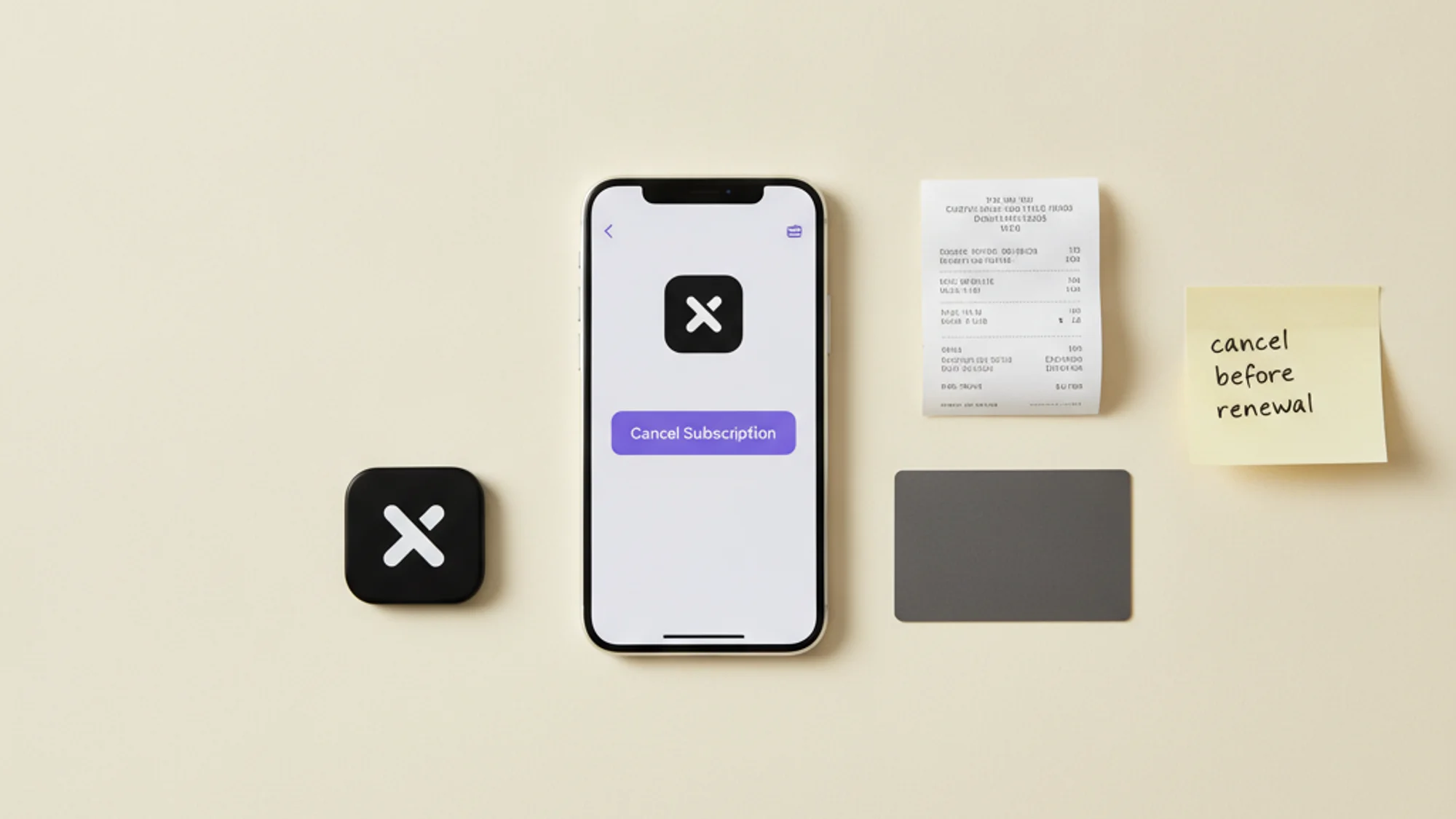
X advises cancelling at least 24 hours before your auto-renewal date to avoid being charged for the next period (X Help Center). Cut it closer and the renewal may already be in motion.
How to cancel X Premium on iPhone or iPad
If you subscribed through the iOS app, the cancellation lives in iOS itself, not on x.com:
- Open the Settings app
- Tap your name at the top
- Tap Subscriptions
- Tap the X subscription
- Tap Cancel Subscription
Apple's support documentation is explicit that removing the app changes nothing: "If you delete an app, it doesn't automatically cancel in-app subscriptions." The subscription keeps billing until you cancel it in Settings.
How to cancel X Premium on Android
If you subscribed through the Android app, Google Play holds the billing:
- Open Google Play and tap your profile icon
- Go to Payments & subscriptions → Subscriptions
- Select the X subscription
- Tap Cancel subscription and follow the instructions
Google's help pages carry the same warning as Apple's: "When you uninstall the app, your subscription won't cancel." After cancelling, you keep access for the time you've already paid.
What happens after you cancel
Nothing disappears immediately. The web subscription page states it plainly: "Your features will be available for the remainder of your billing period." The blue checkmark follows the same rule — it remains until the end of the subscription term you paid for, unless your account is suspended or X removes it for another reason.
Don't expect money back for unused days. X's stated policy: unless you're switching to a higher tier, all subscriptions are non-refundable, unless required by law. The Purchaser Terms repeat it — after cancelling, the subscription stays active until the end of the current period, with no refund or credit for the remaining days. Read the other way round, that's good news: cancelling mid-cycle costs you nothing, so there's no reason to wait for the renewal date.
Cross-platform gotchas
Before you file this under done, two failure modes are worth knowing — both documented, and neither one I'd dismiss as exotic.
Billing limbo. One documented case on X's own developer forum: a subscriber who originally paid through Apple, then switched to web billing, ended up unable to cancel anywhere — x.com claimed the subscription was managed by Apple, while Apple showed the App Store subscription as already cancelled. If you've ever changed the platform you pay on, verify the cancellation took effect on both sides.
Cancellations that don't stick. An Apple Community thread describes a subscription that showed as ended yet kept delivering partial Premium features, resolved only after repeated escalation. X's support channel for Premium issues is a direct message to @Premium on X — and users report the first reply is sometimes a generic troubleshooting link, so be persistent and keep screenshots.
Either way, the real confirmation is your bank statement: check it after the next billing date to make sure no charge appears.
Cancelling X Premium takes two minutes once you know who bills you — and turns into a recurring mystery charge when you don't. The platform-billing rule is the same one that catches people with Netflix and most other app-store subscriptions, which is why I keep a record of each subscription and who charges it instead of re-running this investigation every time — Subnesio stores the billing source per subscription and reminds me before upcoming charges (pricing).
The subscriptions that cost the most are the ones cancelled in the wrong place.