Quick answer: the best way to track subscriptions
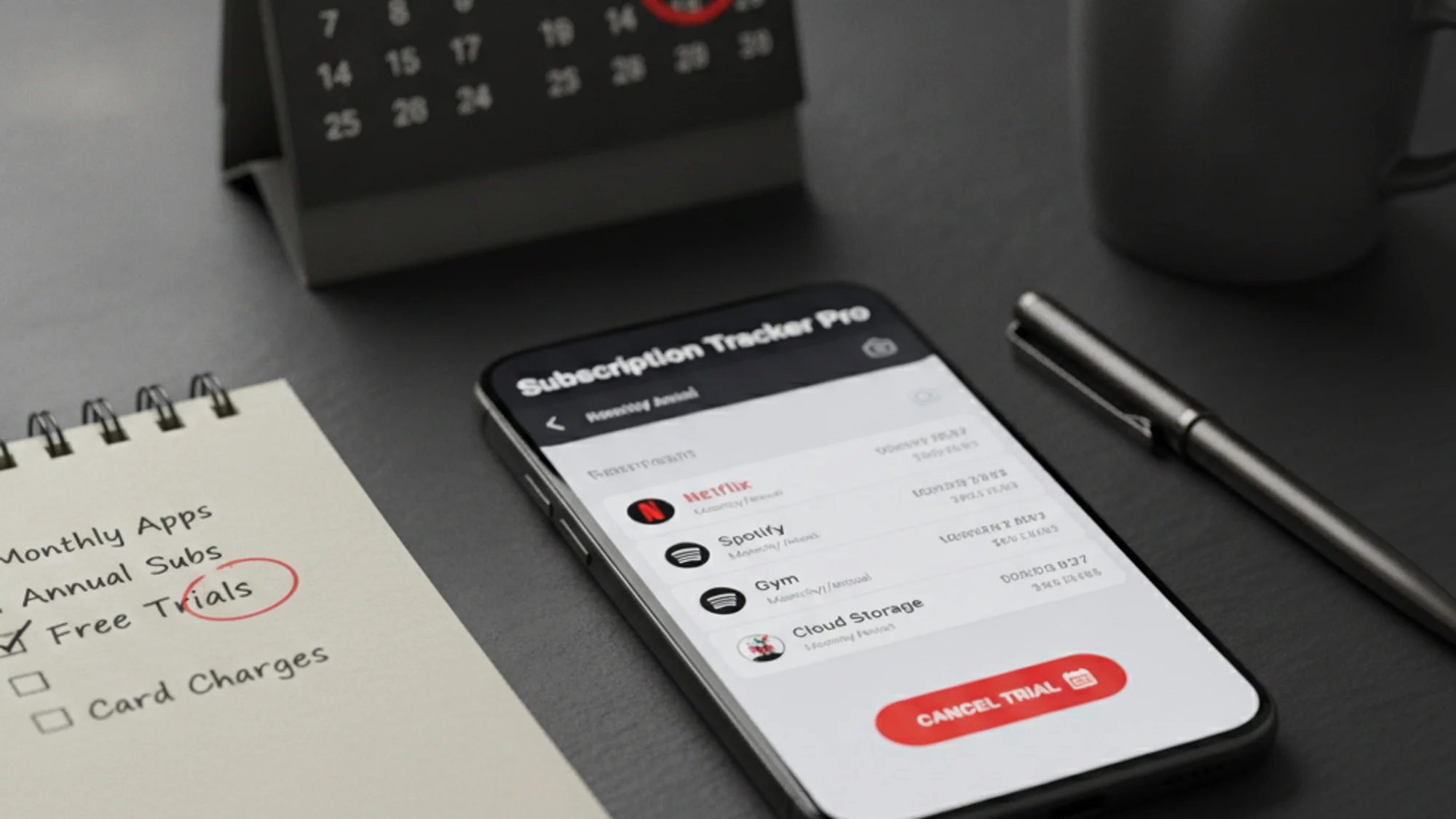
The best way to track subscriptions is to keep one list with the service name, price, billing date, payment method, billing source, cancellation link, and status. The tool matters less than the habit of reviewing the list monthly.
The average person pays for somewhere between eight and fifteen recurring services without remembering most of them. Streaming, AI tools, cloud storage, mobile data, gym, password manager, the language-learning app you opened twice in 2024 — they all charge quietly in the background. The bill arrives, then evaporates, then arrives again.
This guide walks through what it actually takes to see every subscription in one place, why most "solutions" don't work, and how to set up a real tracker in about ten minutes.
The cost of not tracking
Two numbers most people get wrong about their subscriptions:
- How many they have. Almost everyone underestimates by 30–50 percent. The shared family Netflix that gets charged to a partner's card. The AI tool you upgraded "just for one month." The cloud storage tier you bumped up to keep iPhone backups. They add up in the gaps between memories.
- The annual cost. A $7.99/month subscription is psychologically a coffee. Annualized, it's $96. Multiply that by ten services and you're looking at $960 a year — for things you may use only sometimes.
Tracking isn't about being a miser. It's about converting invisible drip charges into a number you can look at and decide about.
Why the obvious approaches don't work
"I'll just check my bank statement"
Bank statements have three structural problems:
- They only show charges from accounts you hold with that bank. If a partner pays for a shared service, or you used a gift card, or your subscription is bundled inside a larger invoice (Apple One, Google One), the bank doesn't see it.
- They don't tell you what renews next. A statement is a record of what already happened. The whole point of subscription tracking is knowing what's about to happen so you can cancel before being charged.
- They mix categories. Subscriptions get buried among groceries, rideshares, and one-off purchases. Categorizing them out by hand each month is more work than just having a list.
"I keep a spreadsheet"
Spreadsheets work for about three weeks. Then a price changes, a new service gets added, a free trial converts, and you forget to update the row. A month later the sheet is fiction. Tracking only works if it stays current with zero friction; spreadsheets have friction.
"I use my bank's subscription tracker feature"
Better than the raw statement, but it still misses anything outside that bank — shared cards, gift cards, prepaid balances, foreign-currency subscriptions, anything bundled into a single invoice. And bank trackers rarely send reminders before renewal, which is the most useful feature.
What every subscription tracker should include
Whatever tool you pick, each row needs the same columns:
- Service name.
- Price and currency.
- Billing cycle and renewal date.
- Payment method (which card or wallet).
- Billing source (direct merchant, Apple, Google Play, PayPal, carrier, partner's card).
- Cancellation link or path.
- Status: active, trial, paused, cancelled.
Without billing source and cancellation link, you re-do that lookup every time you want to cancel — which is the friction the tracker is supposed to remove.
Where to find all your subscriptions
Most people miss subscriptions because they only look in one place. Walk through this list once, end to end, and the picture stops being partial:
- Last 2–3 months of bank and card statements (3 months catches quarterly billing).
- Apple billing — Settings → Apple ID → Subscriptions.
- Google Play — Profile → Payments & subscriptions.
- PayPal automatic payments.
- Email receipts: search "receipt", "renewal", "trial", "subscription".
- Phone or TV provider bills (bundles often include streaming).
- Partner or family member's card for shared plans.
Spreadsheet vs app vs bank tools
- Spreadsheet — flexible and free, fails the day you forget to update a row. Best for 5–10 stable subscriptions and one reviewer.
- Bank subscription tracker — zero setup, sees only one bank, tells you after the charge. Useful as a sanity check, not a primary source. See why your bank subscription tracker is not enough.
- Dedicated tracker app — pays for itself when you cross ~10 subscriptions, mix currencies, or want reminders before the charge. See the subscription tracker apps compared for trade-offs.
What a good subscription tracker actually does
Strip away the marketing and a real tracker needs to answer four questions:
- What am I paying for, total? Sum across all currencies, broken down by category (streaming, productivity, AI tools, etc.).
- What renews next? Ordered list of upcoming charges with their dates, prices, and which card they hit.
- What changed? Promo trial that's about to convert to full price, annual subscription that just jumped from $59 to $79, a new charge that wasn't there last month.
- What do I do about it? Reminder a few days before each charge so you have time to actually cancel, downgrade, or just confirm.
If the tool you're considering can't answer all four, it's not a tracker — it's a spreadsheet with a nicer interface.
Set up your subscription list in 10 minutes
The setup below uses Subnesio as the example because that's what we're familiar with — the same five-step routine works in a spreadsheet or any tracker:
1. Sign in (1 minute)
Open subnesio.one and sign in with Google. No card, no email confirmation loop.
2. Add your top 5 services from memory (3 minutes)
Click Add subscription. For each service enter:
- Name (e.g. "Spotify Premium")
- Price and currency
- Billing cycle (monthly, yearly, custom)
- Payment method (so you can later see "what does this card cost me")
Start with the obvious ones — streaming, your primary AI tool, your phone plan. You don't have to be exhaustive yet.
3. Walk through your last bank statement (5 minutes)
Open your bank or card statement for the last month. Every recurring charge you didn't already add — add it. Don't worry about the order; the dashboard sorts by renewal date.
Look specifically for:
- Apple/Google IAPs (often bundled subscriptions)
- Annual charges that don't show up monthly
- Things billed to a partner or family member's card (still real money out of your household)
4. Set your reminder window (1 minute)
In Settings → Notifications, choose how far ahead you want email reminders — anywhere from one day to one month before each renewal. Email reminders are a Pro feature; on the Free plan you'll still see upcoming charges in the dashboard.
That's it. You now have a single screen that answers "what am I paying for, what's about to renew, and where is the money going."
Monthly subscription review routine
A tracker only earns its keep if you actually look at it. Once a month, sit with the list for fifteen minutes:
- Sort by next renewal date.
- For every row, ask: did I use this enough this month to justify the price?
- Flag anything you wouldn't re-subscribe to today.
- Cancel before the next renewal, not after.
When to cancel, downgrade, or keep
- Cancel if you cannot remember the last time you opened it, or if the value-per-dollar feels worse than three months ago.
- Downgrade if you only use one slice of a bundle — see the hidden cost of bundled subscriptions.
- Keep if it pays for itself in obvious utility, replaces a more expensive habit, or is genuinely irreplaceable.
For the cost side, see the true cost of forgotten subscriptions and average monthly subscription spending. For setting a monthly ceiling, how to set a hard cap on recurring spend.
Tracking subscriptions isn't a discipline problem. It's a tool problem. Give yourself a single screen that answers four questions and your monthly recurring spending stops being invisible. Subnesio is one option if you want renewal reminders without connecting a bank account — see Subnesio pricing.