Someone on r/personalfinance posted a question that a lot of people recognise: they'd cancelled their Chase Sapphire, got a new card number, and Netflix charged the new card without being told about it. They hadn't updated anything. The charge just appeared. This is not a glitch — it's the system working exactly as designed, and understanding it changes how you handle any card cancellation.
Quick answer
Cancelling a credit card does not automatically cancel your subscriptions. There are two completely different outcomes depending on how you cancel: if your old card is simply replaced (lost, stolen, expired, product upgrade), account updater services can silently route your new card number to every enrolled merchant — subscriptions continue with no interruption and no notification. If your old account is closed entirely, those same services flag it as a dead end and merchants are told to contact you directly. The safe order is: audit every subscription first, move them to another card or cancel them, then close the old account.
The mechanism behind the "how did they get my new number?" moment
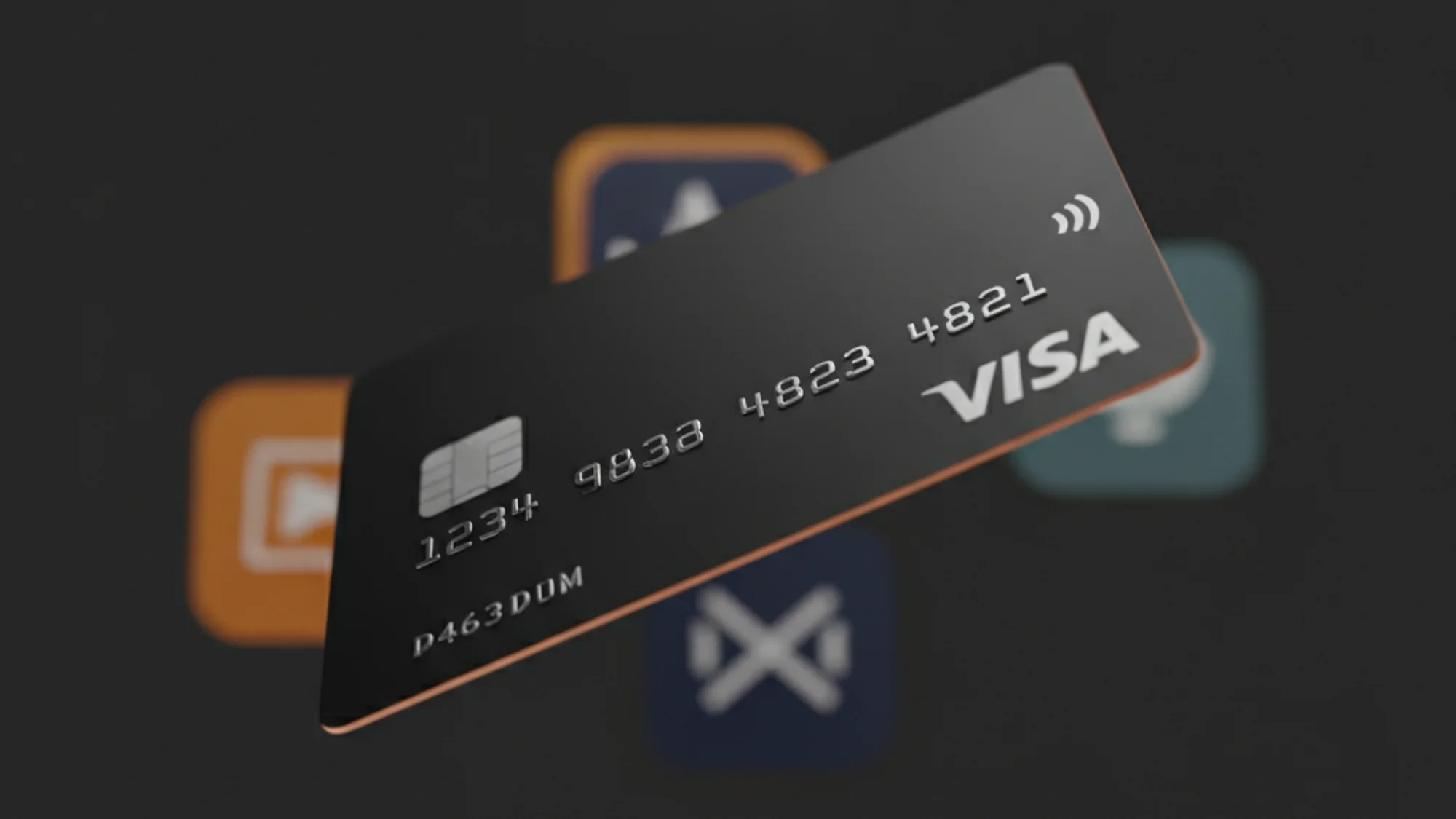
Every major card network runs an account updater service: Visa has the Account Updater (VAU), Mastercard has the Automatic Billing Updater (ABU), and American Express and Discover run their own equivalents. When you get a replacement card — same account, new number — merchants enrolled in these programs receive your updated credentials automatically, typically within two business days in batch mode, or inline during the authorization itself in real-time mode.
The key phrase from CreditCards.com captures the logic cleanly: consumers "authorize access to their credit card accounts, not to a specific number or expiration date tied to that account." From the network's perspective, the subscription agreement is with the account, not the plastic. A replacement card doesn't break that agreement; it just updates the routing.
Closed accounts behave differently. Visa's VAU returns a "Closed Account" advisory (decline code 46). Mastercard's ABU assigns reason code C. In both cases, the service explicitly cannot supply a new card number — IXOPay's documentation puts it plainly: "card account updaters can't update closed accounts." The merchant is told to contact the cardholder directly. What they're not told is to cancel your subscription automatically — that's a separate step that depends entirely on the merchant's own dunning process.
What happens after a charge fails
Once a subscription charge fails on a closed account, each service runs its own retry logic:
- Spotify won't yank your Premium on the first failed charge. The support page says retries happen "over the next few days," though a community moderator confirmed there's "no exact number or specified days." You keep access during that window; after retries are exhausted, you drop to the free tier.
- Netflix puts the account on hold and retries "periodically during the course of your billing cycle." Netflix doesn't publish an exact duration before permanent cancellation.
- Apple App Store subscriptions can have a grace period of 3, 16, or 28 days (weekly subs are capped at 6 days) — but only if the app developer opted into the feature in App Store Connect. Apps that skipped the opt-in suspend access immediately on first failure. Apple then retries for up to 60 days total; if payment is recovered between day 29 and 60, it creates a new billing cycle from the recovery date.
- Google Play gives subscribers a grace period plus an "account hold" phase — the total recovery window can span up to 30 days. According to a 2026 State of Subscription Apps report cited by RevenueCat, 32.3% of all Google Play subscription cancellations are involuntary billing failures, compared to 15.2% on the App Store.
- Amazon Prime cancels the membership if all payment methods on file are declined and you don't add a new one promptly — though "promptly" is undefined in Amazon's terms.
The annual subscription is its own trap — a service that bills once a year might sit dormant for up to 11 months after you cancel your card, then fire a charge at the annual renewal date against a card that no longer exists. If the account was closed, the charge fails, you get a payment failure notice, possibly lose access, and have to sort it out retroactively. You probably didn't even remember you were still subscribed.
The PayPal and SEPA blind spots
Two common payment methods sit completely outside the card network infrastructure and will catch you off guard if you don't account for them.
PayPal billing agreements are processed through PayPal's own rails, not Visa or Mastercard's. Cancelling the credit card that funds your PayPal account does not cancel any subscription billed through PayPal — the billing agreement with the merchant remains active. PayPal will attempt to collect from your balance or any other linked funding source. If that also fails, PayPal grants five days of continued access before suspending the subscription and stopping retries. But if your PayPal balance or a linked bank account can cover the charge, you'll never see a failure at all, and the subscription keeps running silently.
SEPA Direct Debit — used heavily for subscription billing across the EU — runs on bank account IBANs, not card credentials. Visa's VAU and Mastercard's ABU have zero jurisdiction over a SEPA mandate. Cancelling your credit card has no effect whatsoever on a SEPA-funded subscription. If you're in Europe and paying a subscription via direct debit from your bank account, you need to cancel the mandate separately — through your bank or directly with the merchant — regardless of what happens to your cards.
The safe order of operations
This is the part most guides skip. The instinct is to call the bank first and sort out subscriptions later. That's backwards — I've seen people close accounts cleanly and then spend a week chasing down failed charges from services they'd forgotten about entirely.
- Pull a list of every subscription on that card. Check your statement for the past 13 months — at least one full year, to catch annual billers. If you use a tool like Subnesio you can pull this as a filtered list; otherwise go line by line through your bank statement.
- Migrate ongoing subscriptions to another card before you cancel. Log in to each service and update the payment method. Don't assume account updater will do this for you — it works for most enrolled merchants when the account stays open, but not universally (prepaid cards and some smaller issuers don't participate in updater programs).
- Cancel subscriptions you no longer want. If you're unsure whether to cancel or pause, read when to pause a subscription versus cancel it — the answer isn't always obvious, especially for annual plans mid-cycle.
- Pay down any remaining balance on the card you're closing.
- Call the issuer to close the account. Chase's own guidance explicitly recommends auditing automatic payments first, then calling to close.
- Verify 30–45 days later. Check that no charges hit the old card (some annual subscriptions have long gaps between billing dates) and that no subscriptions you thought you'd migrated are still charging the closed account's number — some merchants have stale records that never got the closed-account advisory.
For services you already know have a complicated billing structure — Amazon Prime, for instance, where annual plans interact with digital purchases and benefits — it's worth reading a dedicated cancellation guide before you start, like how to cancel Amazon Prime without losing pending orders.
The regulatory gap that leaves this in your lap
The FTC's Click-to-Cancel rule — which would have required companies to let you cancel subscriptions as easily as you enrolled — was vacated by the Eighth Circuit in July 2025 on procedural grounds. The FTC has restarted the rulemaking process, but the rule is not currently in force. What that means practically is that there's no federal standard for how quickly a merchant must act on a closed-account advisory, or how many retry attempts are "reasonable," or whether you're entitled to a refund if a charge lands after cancellation. The law is still catching up, and until it does, the responsibility sits entirely with you.
The FTC's guidance on free trials and negative-option subscriptions is worth reading — especially if you have any free-trial conversions lurking, which are the single most common source of surprise annual charges.
Until the regulatory picture clarifies, the closed-account advisory is your best tool — but it only works if you close the account entirely, and it only works for merchants enrolled in the card network's updater program. Everything else you have to clean up yourself.
P.S. The most dangerous subscriptions are the ones you forgot you had. A 13-month statement audit takes 20 minutes and is the single highest-leverage thing you can do before closing any card.