Quick answer: are bank subscription trackers enough?
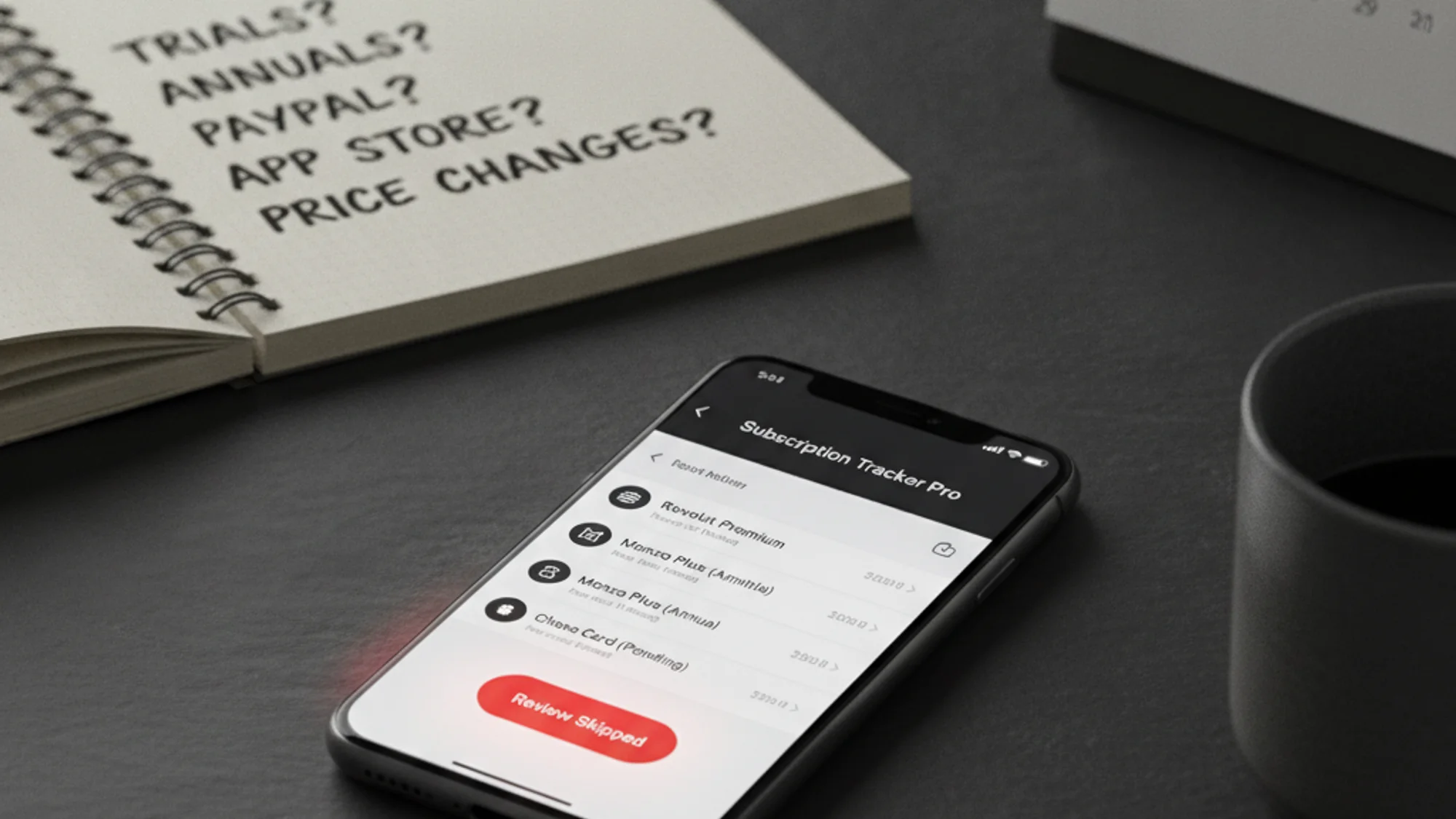
Bank subscription trackers are useful for spotting recurring card payments after they happen. But they often miss free trials, annual renewals, PayPal billing, App Store subscriptions, merchant name changes, shared subscriptions, and price hikes before the charge. If everything you pay sits on one card and you are fine being told after the fact, the bank tracker is enough. If any of those caveats applies to you, it is a partial view dressed up to look like a complete one.
For a while the standard answer to "how do I track my subscriptions" was a third-party app. Then Revolut shipped a subscriptions tab. Then Monzo added recurring payments. Then Chase rolled out a subscription manager in the US. The category is no longer "do you track" but "your bank already does it for free, why install anything else?"
It's a fair question, and the honest answer is: bank trackers are genuinely useful for one specific job, and quietly bad at almost everything else. They're not a finished product — they're a feature inside a checking account, scoped to what that checking account can see. Below is what each of them actually does, what they miss, and where a dedicated tracker still earns its keep.
What bank trackers miss most often
Strip away the polish differences and bank trackers all blind-spot the same kinds of charges:
- Free trials before the first charge — see free trials that auto-charge on day 7.
- Annual renewals with no recent monthly pattern.
- App Store and Google Play subscriptions grouped under one merchant.
- PayPal subscriptions.
- Virtual card changes.
- Price hikes before they happen.
- Bundles where one charge contains many services — see the hidden cost of bundled subscriptions.
- Shared or family subscriptions paid by another person.
What bank trackers actually do
The mechanism is the same across all of them. The bank watches your transactions, spots merchants who charge you on a regular cadence (every 30 days, every year, every week), and surfaces those merchants in a list. Cancel a few, marvel at the dollars saved, share a screenshot, move on.
That's the demo. The product behind the demo has three structural limits, and they don't get smaller as the feature matures.
Revolut
Revolut's Analytics → Subscriptions tab detects recurring card spend, lets you tap a merchant to see history, and offers a "block this merchant" toggle that prevents future charges. For Revolut-only users it's a tidy single-screen view, and the block-merchant control is genuinely strong — most banks don't give you a kill switch that direct.
What it sees. Anything charged to a Revolut card with a recognisable recurring cadence. Netflix, Spotify, the gym, the AI tool, the cloud storage that auto-renewed last month.
What it misses. Anything not on a Revolut card. A subscription paid by direct debit from your main bank, a family plan billed to your partner's card, Apple One bundled inside an opaque APPLE.COM/BILL line that also includes one-off purchases, anything you bought through PayPal balance instead of a Revolut card. None of it shows up. The tracker isn't broken — it just literally can't see those transactions, because they never touched a Revolut account.
Multi-currency, the thing Revolut is famous for, doesn't help here. The tracker shows each charge in its original currency. If you pay one sub in USD, one in EUR, one in GBP, you don't get a single monthly total — you get three rows in three currencies. For a product whose tagline is multi-currency, that's a surprising gap.
Monzo
Monzo's "Recurring payments" view is the most complete of the big bank trackers in the UK. It groups standing orders, direct debits, and detected card subscriptions into one screen, and the direct-debit controls are right there — tap, cancel, done. Monzo's underlying data model is good, which is why the feature feels solid.
What it sees. Sterling card spend, direct debits, and standing orders flowing through your Monzo current account.
What it misses. Anything outside Monzo. If you also have a Chase account because of the cashback, or a Starling joint account, or a Wise card for travel, none of that lands in the recurring payments screen — by design. Card subscriptions on a partner's card are invisible. App Store bundling has the same problem as everywhere else: one Apple line for several distinct subs. And again, no email reminders before a renewal, no calendar export, no way to see what's coming this week without opening the app.
For UK-only Monzo loyalists it's good. For anyone with money in two banks it's a fragment.
Chase
In the US, Chase's mobile app has had a "Recurring Charges" section for a while — same model, slightly less polish than Monzo, decent merchant detection. In the UK, Chase ships subscription insights inside the app too, also card-only. The pattern repeats.
What it sees. Recurring charges on Chase cards.
What it misses. Recurring charges anywhere else. Direct debits in the UK Chase product are a recent addition and still patchy. Like every bank tracker, Chase can't help you with a subscription billed to your Apple ID or paid out of a household member's account.
The three structural limits
Strip away the polish differences and bank trackers all share the same three blind spots.
One: they only see one bank. This is the obvious one and the most damaging. The average person now spreads spend across two or three accounts — a main bank, a card with better cashback or travel perks, sometimes a fintech for international transfers. Subscriptions float across these accounts. Any tracker scoped to one account is, by definition, an incomplete picture.
Two: App Store and Google Play subs get flattened. Apple bills your card with a single APPLE.COM/BILL line that can roll up iCloud, an AI app sub, a game, a magazine, and a one-off in-app purchase. Google Play does the same with GOOGLE *<merchant>. The bank sees the total; it can't see the underlying subs. A dedicated tracker, where you enter each sub by hand, sees the breakdown because you put it in.
Three: they tell you after, not before. Bank trackers are reactive. They surface charges after they've hit your account. The decision that matters — "do I keep this for another year or cancel before the renewal date" — happens before the charge. Bank trackers don't help with that decision because their data source is the transaction itself, not the contract. There is no "renewal in 3 days" notification because the bank doesn't know about the renewal until the merchant attempts to bill.
You can build a workflow that works around all three — check the bank tracker monthly, mentally cross-reference your other accounts, accept that App Store bundles are opaque, treat the post-charge notification as a reminder to cancel next time. People do this. It works until the year you forget.
What a dedicated tracker actually adds
If you've decided your bank's tracker is good enough, fair. If you've felt the limits above, here's what a tool like Subnesio adds, scoped to the gaps:
Account-agnostic. You enter the sub once with the price, the currency, and the renewal date. It doesn't matter which card pays for it — the tracker still sees it. A subscription on your partner's card, a sub billed against your Apple ID, a service paid out of PayPal balance, the family plan that hits a different account — all visible in the same place.
Multi-currency that actually rolls up. You pick a home currency. Every subscription in any other currency gets converted on the dashboard, so the monthly total is the monthly total you actually pay. Compare to Revolut showing you three currencies in three rows.
Reminders before, not after. Email reminders go out ahead of each renewal. The renewal also drops into your calendar via an iCal feed you can subscribe to from Apple Calendar, Google Calendar, or Outlook. The decision to keep or cancel happens before the charge, where it should.
Survives switching banks. If you close your Monzo or move off Revolut, the tracker doesn't lose your subscriptions, because they were never tied to the bank in the first place. Banking-tracker history evaporates when you close the account that produced it.
No bank connection at all. Unlike US-style aggregators (Plaid, Rocket Money, Mint), there's no persistent read access to your transaction history. The privacy posture is the opposite extreme of the bank's: the tracker sees nothing about your account because it doesn't need to.
When the bank tracker is genuinely enough
It's worth being honest about who shouldn't bother with anything else.
If you have exactly one bank account, all your subscriptions are billed to the card from that account, you have no App Store or Google Play subscriptions, you don't pay anything in a foreign currency, and you're fine being told about charges after they hit — the bank tracker is fine. It costs you nothing and lives in an app you already open.
If any of those conditions doesn't hold, the bank tracker is a partial view dressed up to look like a complete one. That's the trap.
If your bank catches most recurring card payments, keep using it. Add a separate tracker only for what the bank cannot see before the charge: trials, annual renewals, bundles, and price changes. For the practical side, see how to track all your subscriptions, the true cost of forgotten subscriptions, and the full subscription tracker comparison. For staying within a monthly limit, see how to set a hard cap on recurring spend.
Subnesio is most useful as the "before the charge" layer, not as a replacement for your bank — see Subnesio pricing for the free and paid tiers.