W skrócie: kiedy anulować 7-dniowy okres próbny?
Anuluj co najmniej 24 godziny przed końcem triala. Nie czekaj do 7. dnia, bo strefy czasowe, zasady sklepów z aplikacjami i operatorzy płatności mogą sprawić, że obciążenie nastąpi wcześniej, niż się spodziewasz.
Lista kroków do anulowania darmowego triala
- Ustal, gdzie zaczął się trial: strona, App Store, Google Play, PayPal czy karta.
- Anuluj w tym samym miejscu.
- Zrób zrzut ekranu strony z potwierdzeniem.
- Zachowaj mail o anulowaniu.
- Jeśli się da, usuń zapisaną metodę płatności.
- Sprawdź wyciąg z karty po 24–48 godzinach.
„7-dniowy darmowy okres próbny" rzadko jest prezentem. To umowa, która zaczyna naliczać opłaty ósmego dnia, jeśli nie anulujesz jej w oknie, o którym większość ludzi zapomina w ciągu kilku godzin. ChatGPT Plus, Notion AI, Adobe Creative Cloud — trzy z najpopularniejszych triali tej chwili — wszystkie przechodzą w płatność po cichu. Zanim opłata pojawi się na karcie, masz już zapłacone za miesiąc (albo rok) czegoś, z czego skorzystałeś może dwa razy.
To właśnie ten ból przyprowadza większość ludzi do trackera subskrypcji takiego jak Subnesio. Poniżej masz dokładny scenariusz dla trzech triali, na których ludzie parzą się najczęściej, plus uniwersalną zasadę działającą dla każdego innego, na który się zapiszesz.
Dlaczego 7. dzień to strefa zagrożenia
Tydzień to branżowy standard nie bez powodu: dość długo, by wydawać się hojnym, dość krótko, byś zapomniał. Matematyka nie gra po twojej stronie. Aktualizacja Negative Option Rule z 2024 roku, wprowadzona przez amerykańską Federalną Komisję Handlu, wymaga jaśniejszych informacji i prostszego anulowania, ale egzekwowanie bywa różne, a sporo usług w ogóle nie podlega tym przepisom.
Trzy rzeczy spiskują przeciwko tobie:
- Zegar triala rusza w chwili, gdy wpisujesz dane karty, a nie gdy pierwszy raz korzystasz z produktu. Zapisujesz się w poniedziałek, planujesz „sprawdzić to w weekend" i trzy dni z okna już przepadły.
- Przypomnienie o anulowaniu nie istnieje albo jest zakopane. Większość usług nie napisze ci piątego dnia „zostały dwa dni". Niektóre piszą, ale ten mail siedzi obok siedmiu innych wiadomości marketingowych.
- Cena po trialu jest drobnym, szarym drukiem. Przycisk mówi „Rozpocznij 7-dniowy darmowy okres próbny". Wiersz „20 dolarów miesięcznie po jego zakończeniu" jest o dwa rozmiary czcionki mniejszy, tuż pod nim.
ChatGPT Plus — 7-dniowy trial, potem 20 dolarów miesięcznie
ChatGPT Plus działa jako tygodniowy trial w regionach, gdzie OpenAI go oferuje. Trial przechodzi w 20 dolarów miesięcznie, chyba że anulujesz w ciągu siedmiu dni.
Żeby anulować przed 7. dniem:
- Wejdź na chat.openai.com → awatar w lewym dolnym rogu → My Plan → Manage subscription.
- Kliknij Cancel plan. Dostęp do Plus zostaje aktywny do końca 7. dnia, nie do chwili anulowania.
- Upewnij się, że do skrzynki trafił mail zatytułowany „Your ChatGPT Plus subscription has been cancelled". Jeśli nie dotarł, powtórz cały proces.
Wkurzający haczyk: jeśli zapisałeś się przez aplikację na iOS, anulowanie znajdziesz w Ustawienia iPhone'a → Apple ID → Subskrypcje, a nie w interfejsie webowym ChatGPT. To samo obciążenie, inny przycisk anulowania.
Notion AI — 7-dniowy trial, potem 10 dolarów miesięcznie za użytkownika
Notion AI jest wpięte w przestrzeń roboczą Notion i nalicza opłatę za każdego użytkownika osobno. Uruchomienie triala to jedno kliknięcie z dowolnego promptu AI. Zapomnienie o nim to jeden dzień.
Żeby anulować przed 7. dniem:
- Settings → Plans → Notion AI → Manage subscription.
- Cancel plan. Notion zapyta dlaczego; nie musisz odpowiadać.
- Sprawdź, czy status AI w przestrzeni roboczej zmienił się z „Renews on" na „Trial ends in X days — won't renew". Jeśli wciąż widnieje „Renews on", anulowanie nie zadziałało.
W przestrzeni roboczej dla wielu użytkowników anulować może tylko właściciel. Członkowie zespołu widzą funkcje AI, ale nie kontrolki rozliczeń.
Adobe Creative Cloud — 7-dniowy trial, potem 54,99 dolara miesięcznie za All Apps
Adobe to trial, który kąsa najmocniej. Plan All Apps na poziomie rocznym płatnym miesięcznie kosztuje 54,99 dolara miesięcznie. Jeśli zapomnisz i zorientujesz się po trzech tygodniach, Adobe naliczy też opłatę za wcześniejsze zerwanie umowy, równą 50% tego, co zostało do końca roku. Jeden przeoczony dzień może urosnąć do zobowiązania na ponad 300 dolarów.
Żeby anulować przed 7. dniem:
- adobe.com → zaloguj się → Account → Plans → Manage plan → Cancel your plan.
- Adobe poprowadzi cię przez długą ścieżkę zatrzymującą z ofertami (50% zniżki na trzy miesiące, darmowy miesiąc, niższy plan). Jeśli celem jest faktyczne zatrzymanie opłat, odmawiaj na każdym kroku.
- Poczekaj na mail o anulowaniu. Adobe czasem przekierowuje do czatu z konsultantem — nie zamykaj okna, dopóki konsultant nie potwierdzi na piśmie.
Jeśli zapisałeś się przez resellera lub aplikację mobilną Adobe, przycisk anulowania jest gdzie indziej — subskrypcje Apple/Google dla wersji mobilnej, portal resellera dla całej reszty.
Prosta zasada dla każdego triala
Trzy kroki, które działają niezależnie od dostawcy:
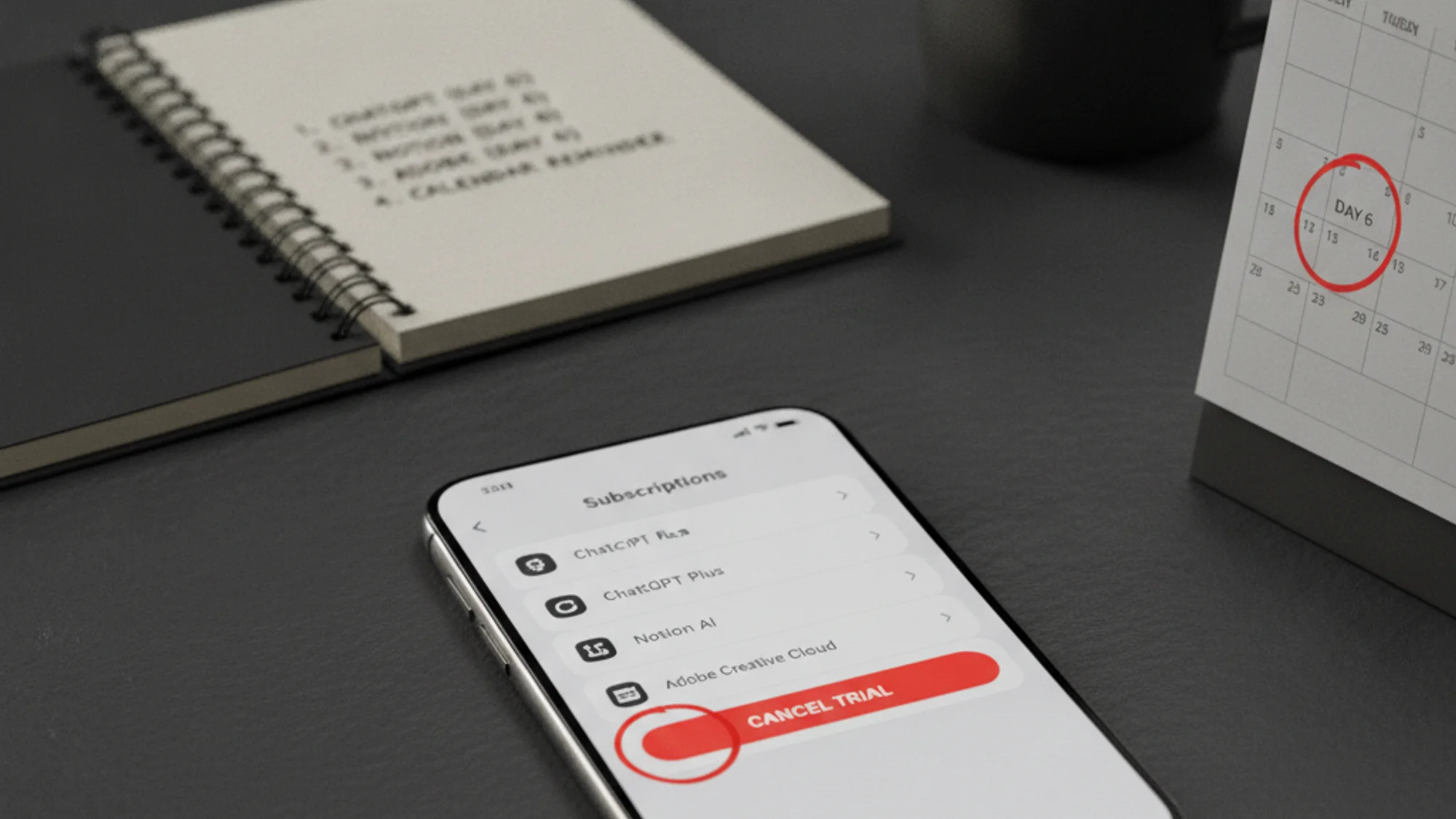
- W dniu, w którym zaczyna się trial, ustaw przypomnienie na 5. dzień, nie na 7. Dwa dni zapasu pokrywają strefy czasowe, weekendy i nieuniknione „zrobię to jutro".
- Obok przypomnienia zapisz cenę po trialu. Twoja przyszła wersja potrzebuje kwoty, nie samej nazwy sprzedawcy. „Adobe All Apps 54,99 dolara" w kalendarzu skłoni cię do anulowania. „Trial Adobe" — nie.
- Trzymaj wszystkie triale w jednym miejscu. Jeden alarm w iOS, jedna notatka w Notion, jeden oznaczony gwiazdką mail — taki rozproszony układ gwarantuje, że jeden przegapisz.
Co zrobić, jeśli trial już cię obciążył
- Sprawdź politykę zwrotów. ChatGPT Plus i Notion AI zwykle zwracają pieniądze po grzecznej pierwszej prośbie w ciągu 30 dni; Adobe jest surowsze.
- Skontaktuj się z pomocą tego samego dnia, zanim opłata przejdzie dalej przez przetwarzanie.
- Dołącz dowód anulowania, jeśli go masz — zrzut ekranu, mail z potwierdzeniem, datowaną prośbę o anulowanie.
- Poproś o jednorazowy zwrot. „Zapomniałem anulować w czasie triala, czy możecie odstąpić od opłaty?" działa częściej, niż się ludziom wydaje.
- Reklamację u wydawcy karty zgłaszaj tylko wtedy, gdy opłata jest zdublowana, błędna albo niemożliwa do anulowania przez zwykłą pomoc — reklamacja nie jest skrótem wokół zakupu, którego żałujesz.
Po szerszy scenariusz odzyskiwania opłat, które już zapłaciłeś, zajrzyj do tekstów jak anulować subskrypcje, o których zapomniałeś oraz prawdziwy koszt zapomnianych subskrypcji.
- dzień to nie data, którą musisz pamiętać. To data, którą oddajesz przypomnieniu. Ustaw je w dniu rejestracji, a trial przestaje być pułapką. Jak ustawić stały miesięczny pułap, żeby przekształcone triale nie rozsadziły ci budżetu — zobacz jak ustawić twardy limit na wydatki cykliczne. Dlaczego trackery bankowe tego za ciebie nie wyłapią — zobacz dlaczego tracker subskrypcji w banku to za mało. Po szerszą listę subskrypcji punktem wyjścia jest jak śledzić wszystkie subskrypcje.
Jeśli to żonglowanie kilkoma trialami w głowie jest tym, co zawodzi, jeden panel zbiera wszystkie triale razem i przypomina mailem przed każdym odnowieniem — zobacz cennik Subnesio.